Text to Image
Create polished images from a single prompt. HeyMarmot brings Nano Banana Pro, GPT Image 2, Seedream, Grok Imagine, and more AI image models into one fast creative workspace.
Real AI Image Examples
Browse real images generated on HeyMarmot. Open inspiration, study prompts, and reuse a prompt in one click.
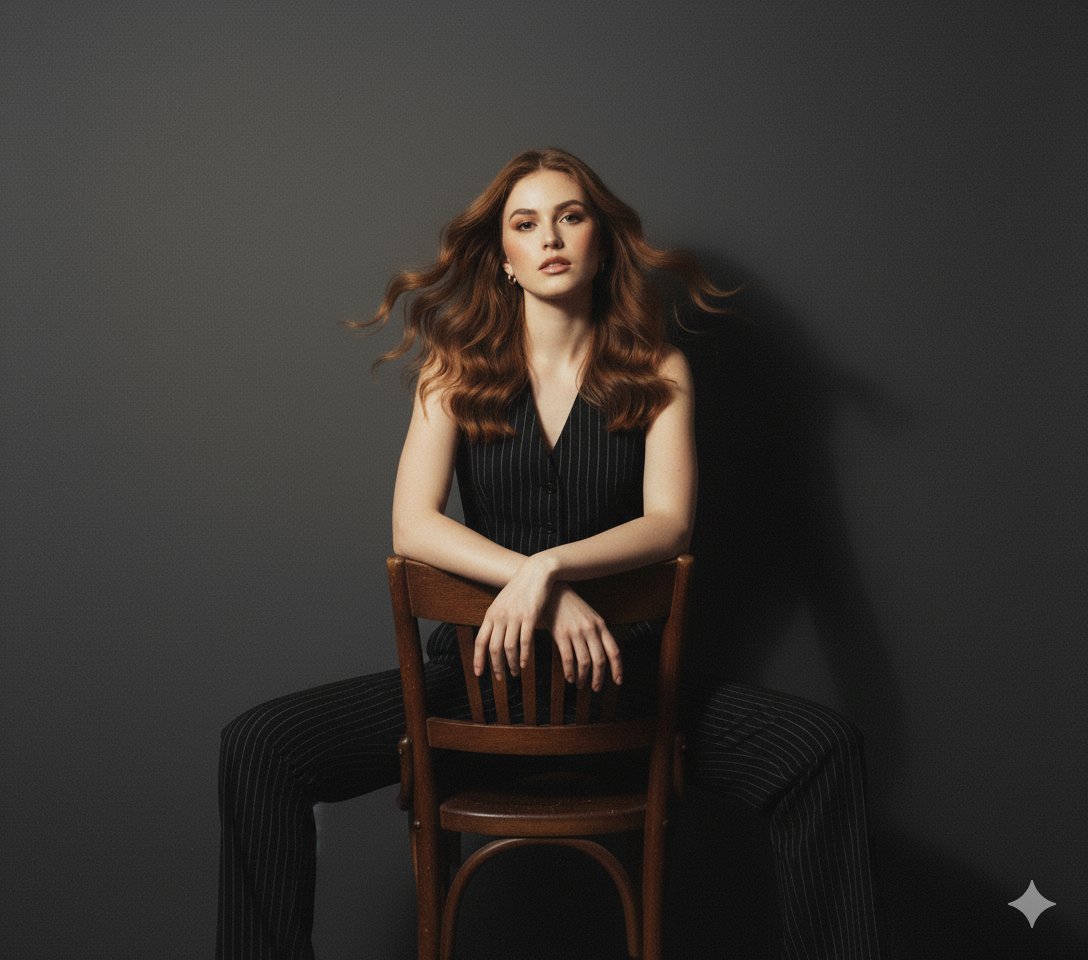
A stylish young woman standing against a plain solid wall, dressed in a tailo...
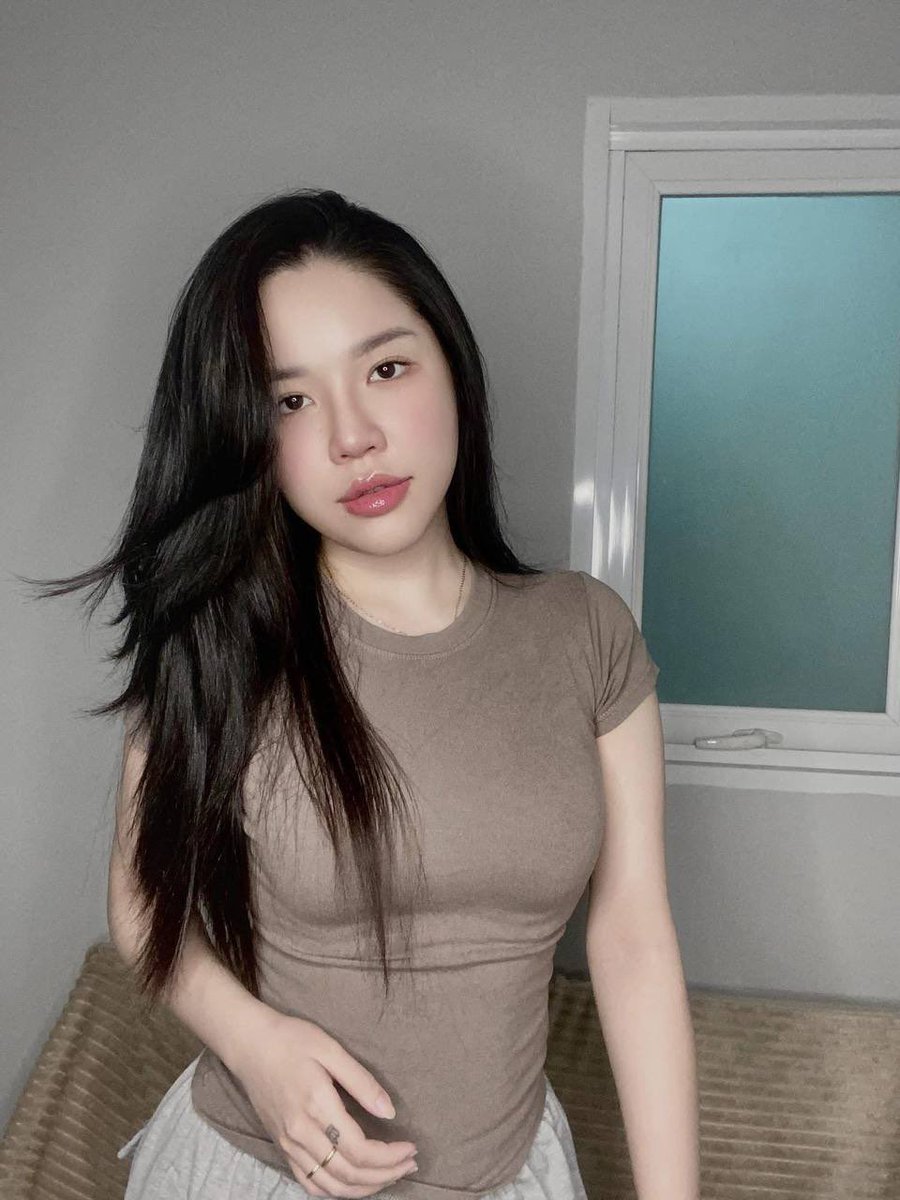
Casual Standing Portrait
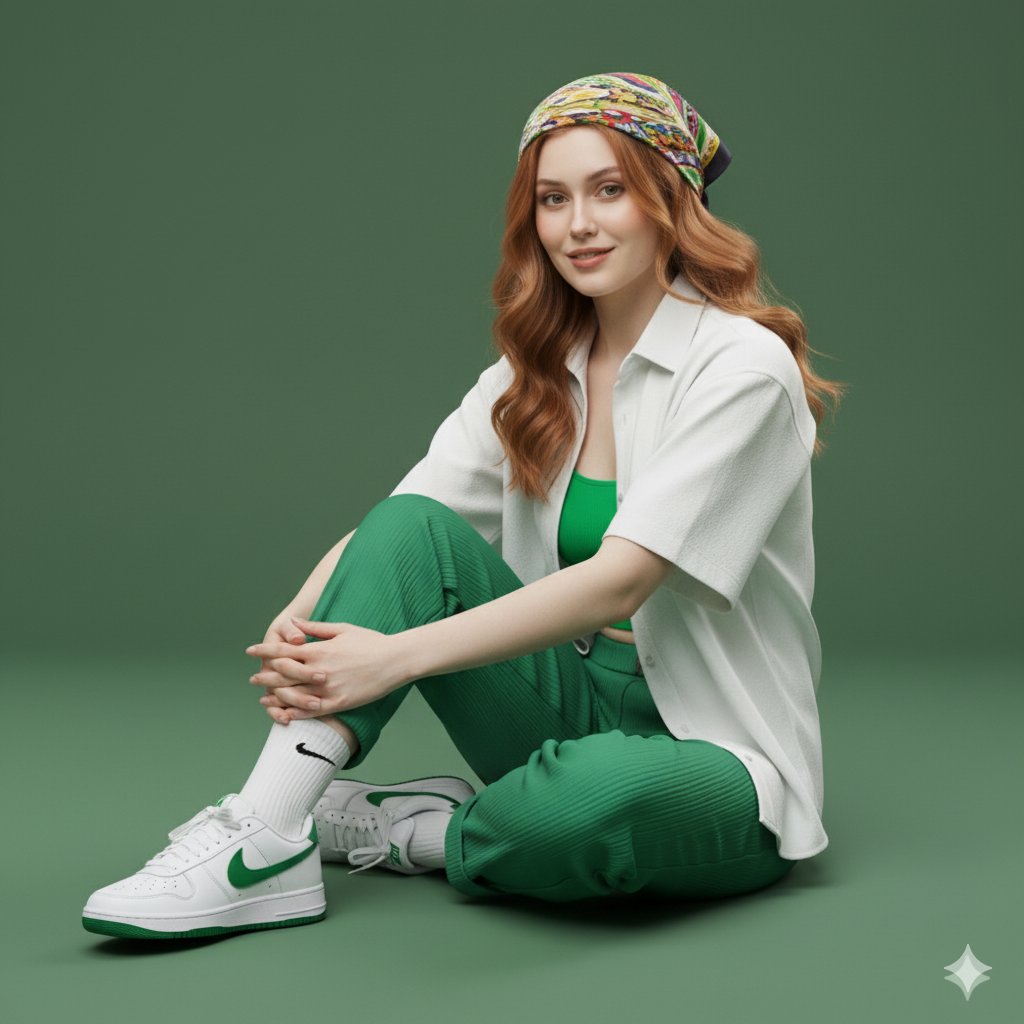
A 64K DSLR shot resolution of an A young woman (same face as the uploaded ima...
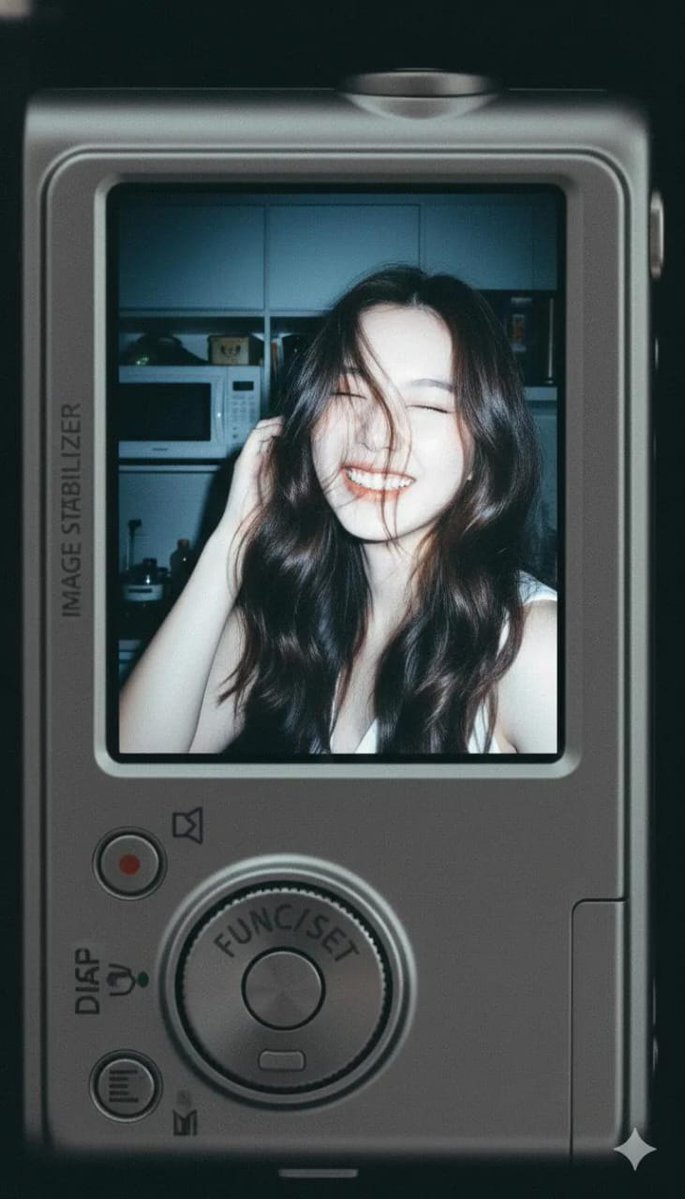
Use facial feature of attached photo. A close-up shot of a young woman displa...
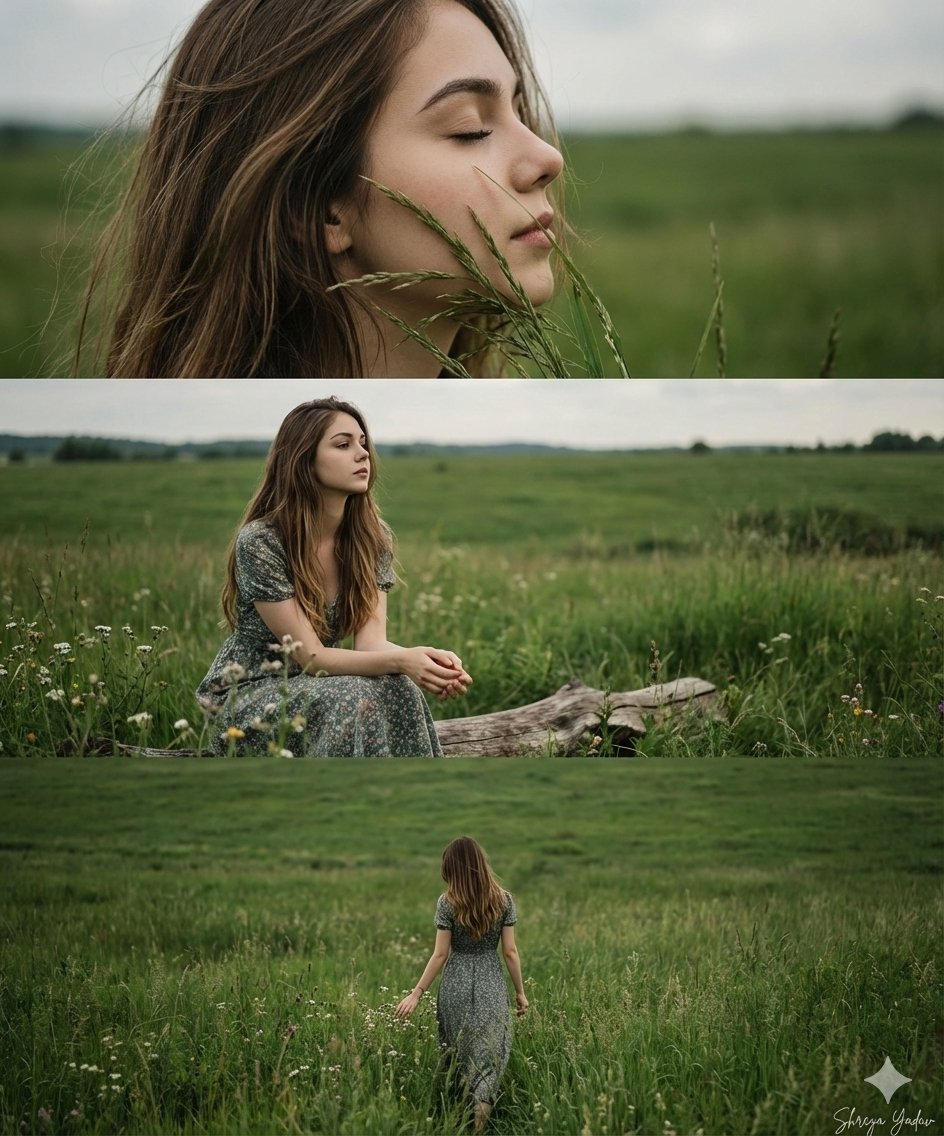
"Objective": "Generate a cinematic 3-frame collage using the facial features ...
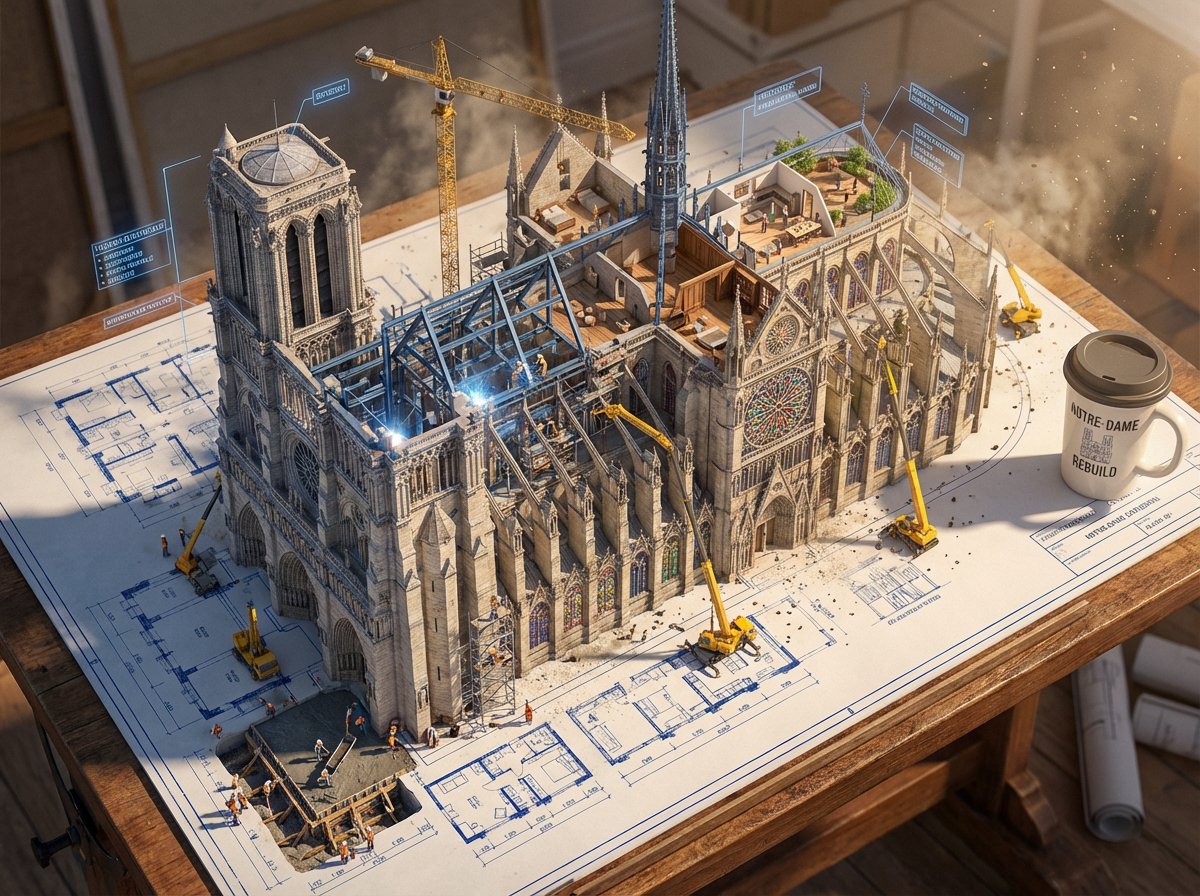
Blueprint Awakening
Create with Top AI Image Models in One Place
Choose the image model that fits your goal: photorealism, illustration, product visuals, typography, or fast concept exploration.



Visualize Any Idea with HeyMarmot Text to Image AI
Turn briefs, scenes, products, characters, posters, and moodboards into high-quality visuals. Describe what you need, pick a model, and keep refining in the same creative thread.
How to Generate AI Images from Text
Go from a written idea to a finished visual in three quick steps.
Describe the image
Write the subject, composition, style, lighting, color palette, and details you want.
Choose a model
Pick the image model, aspect ratio, and resolution that match your output goal.
Generate and refine
Preview the image, save it, or keep iterating with a stronger prompt.
Supported Text to Image Models
Compare Nano Banana Pro, GPT Image 2, Seedream, Grok Imagine, Wan, and more from one text-to-image workspace.
Nano Banana Pro
Available for prompt-based AI image generation.
Nano Banana 2
Available for prompt-based AI image generation.
GPT Image 2
Available for prompt-based AI image generation.
Seedream 5.0
Available for prompt-based AI image generation.
Seedream 4.5
Available for prompt-based AI image generation.
Grok Imagine
Available for prompt-based AI image generation.
Wan 2.7
Available for prompt-based AI image generation.
z-image
Available for prompt-based AI image generation.
Text to Image Use Cases
Use text-to-image generation for social graphics, product shots, branding, concepts, and rapid visual experiments.
Social content
Generate scroll-ready images, covers, thumbnails, and campaign visuals for every channel.
Product visuals
Create lifestyle scenes, hero shots, backgrounds, and ecommerce-ready product concepts from a short brief.
Brand and marketing assets
Explore ad directions, visual systems, launch graphics, and creative variants without a long production cycle.
Concept art and moodboards
Turn early ideas into visual references for characters, environments, posters, and story worlds.
A Practical AI Image Maker, Not Just a Prompt Box
HeyMarmot keeps prompts, model choice, aspect ratios, assets, and iteration history together so image creation stays organized.
Prompt-first creation
Start from a simple phrase or a detailed visual direction.
Model choice
Switch models for realism, typography, speed, or stylized illustration.
Flexible aspect ratios
Create square, portrait, landscape, and model-specific formats.
Reference-ready workflow
Move into image-to-image creation when you need tighter visual control.
Reusable asset library
Save generated images and uploaded references for follow-up work.
Conversation history
Keep prompts, revisions, and outputs in one creative thread.
Text to Image Generator FAQ
Answers for creators comparing AI image tools and planning visual production.
What is a text to image generator?
A text to image generator turns written prompts into images using generative AI image models.
Which AI image models are available?
HeyMarmot supports leading image models including Nano Banana Pro, Nano Banana 2, GPT Image 2, Seedream, Grok Imagine, and Wan where available.
Can I choose aspect ratio and resolution?
Yes. Supported ratios and resolutions are shown for each selected model so you can create images for social, product, web, or concept work.
Can I use generated images commercially?
Usage depends on your plan, model provider terms, and local requirements. Review the current terms before using outputs in commercial projects.
Can I edit an image after generating it?
Yes. You can continue in the main workspace with reference images and image-to-image workflows when supported by the selected model.
Is there a free trial?
New users receive starter credits after sign-up, so you can try text to image generation before upgrading.
Explore more AI image resources
Find inspiration, compare pricing, or move from still images into AI video creation.