 OpenAI · GPT Image 2.5 Flare
GPT Image 2.5 Flare Image Generator
Generate images with OpenAI's GPT Image 2.5 Flare — up to 4K, with 12 aspect ratios plus auto and prompts up to 20,000 characters. Write a prompt, pick a ratio and a resolution, and generate right in your browser on HeyMarmot. No API key, no setup.
This page generates from a prompt only. Open the workspace to add reference images.
Need a starting point?
1K, 2K, and 4K output
Square, portrait, widescreen, and ultra-wide
Room for long, detailed prompts
A prompt alone, or up to 16 reference images
Real AI Image Examples
Browse real images generated on HeyMarmot. Open inspiration, study prompts, and reuse a prompt in one click.
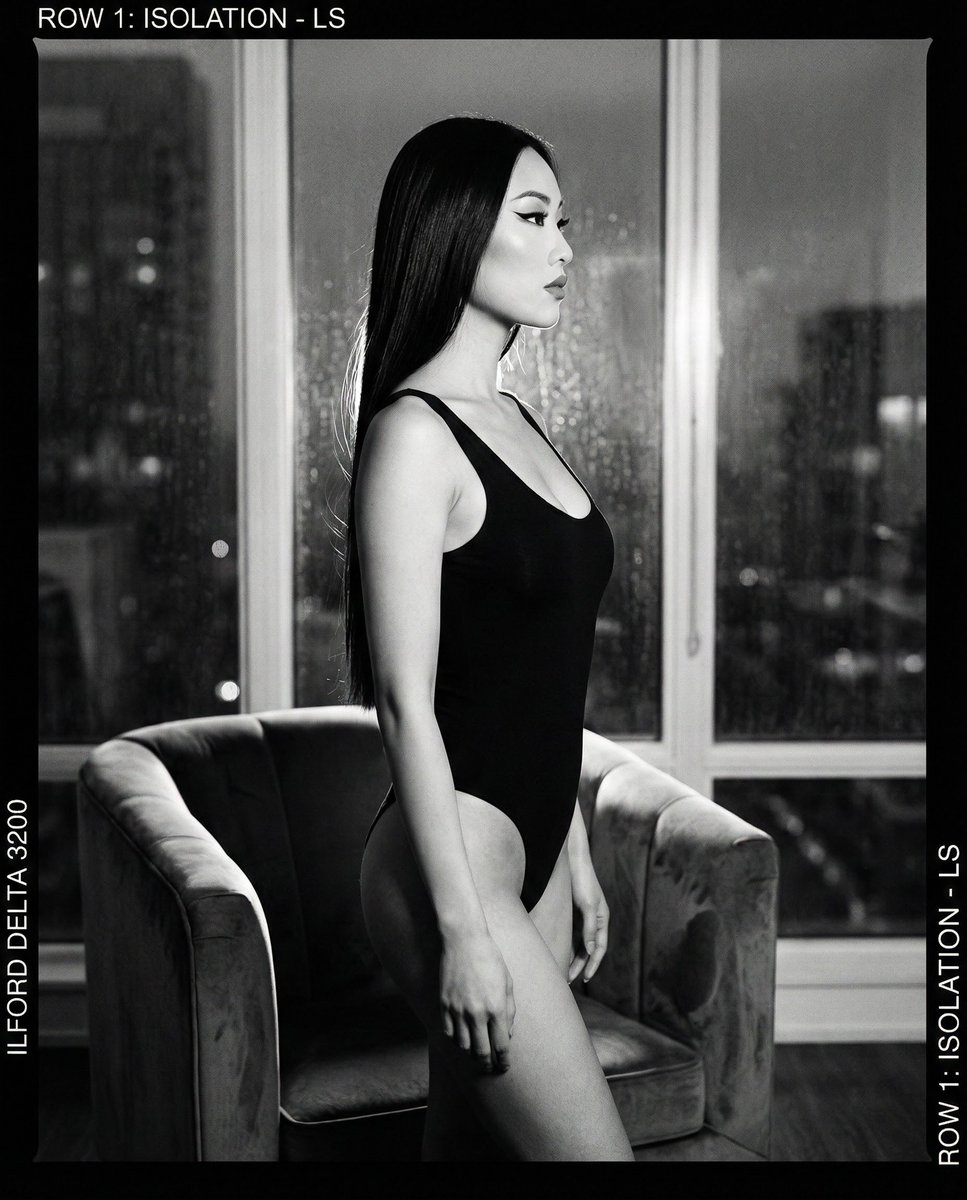
The Femme Fatale Contact Sheet
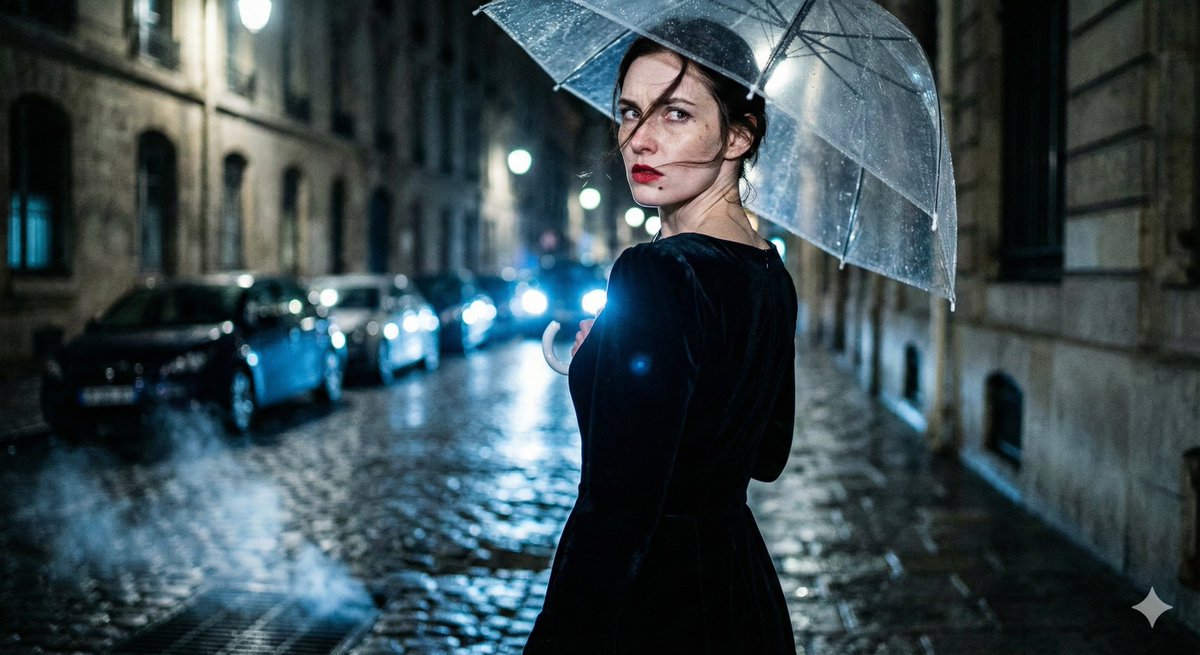
Femme Fatale in Film Noir - Structured
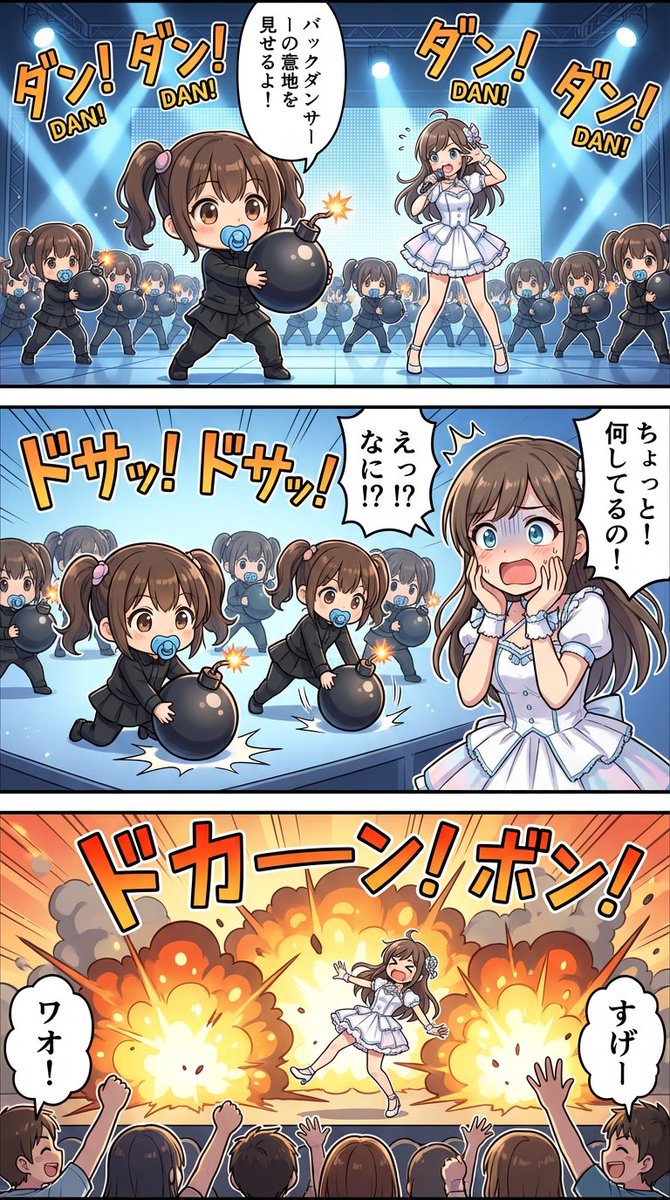
構図:3つのフレームに分割された「高精細ストーリーアート」。 背景はフルカラーの背景美術品質。 キャラクターは高密度のディテール描写。吹き出しでキャラクタ...
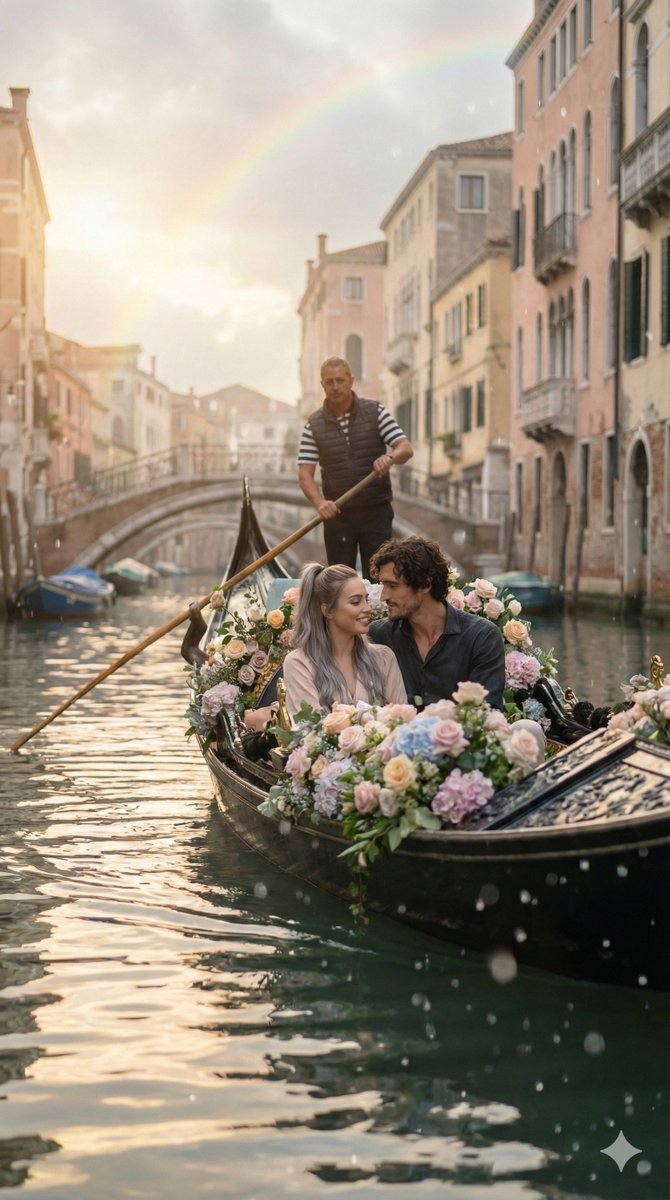
Venetian canal. sitting closely.
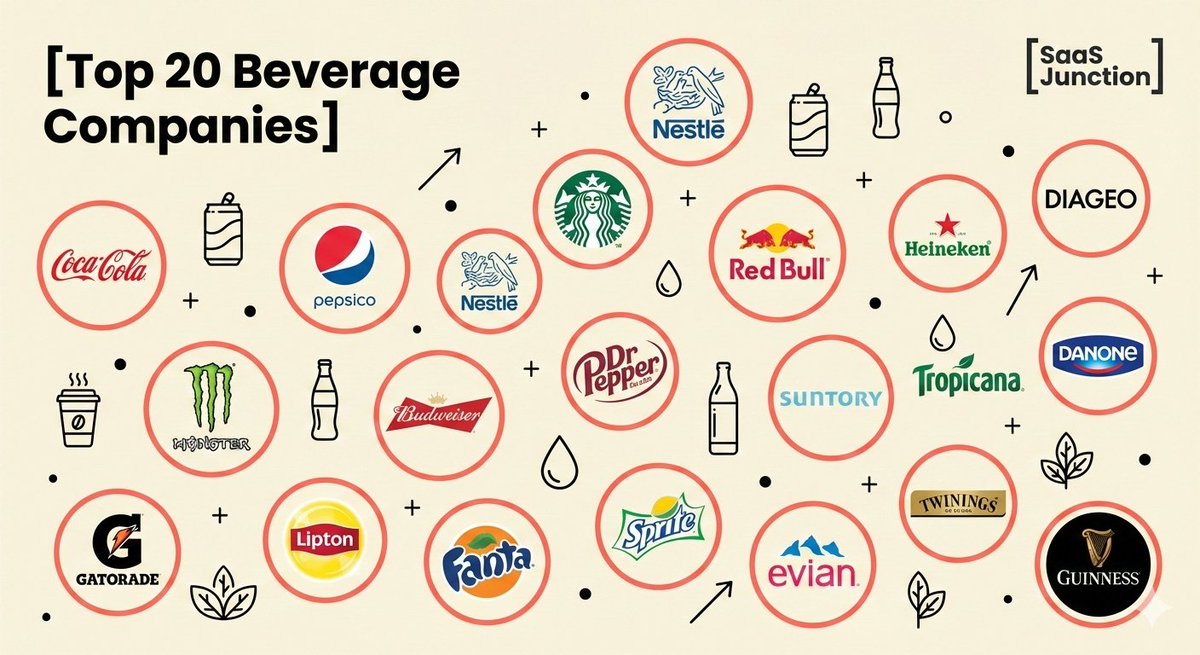
Create a flat, minimalist infographic illustration on a [pale cream/off-white...
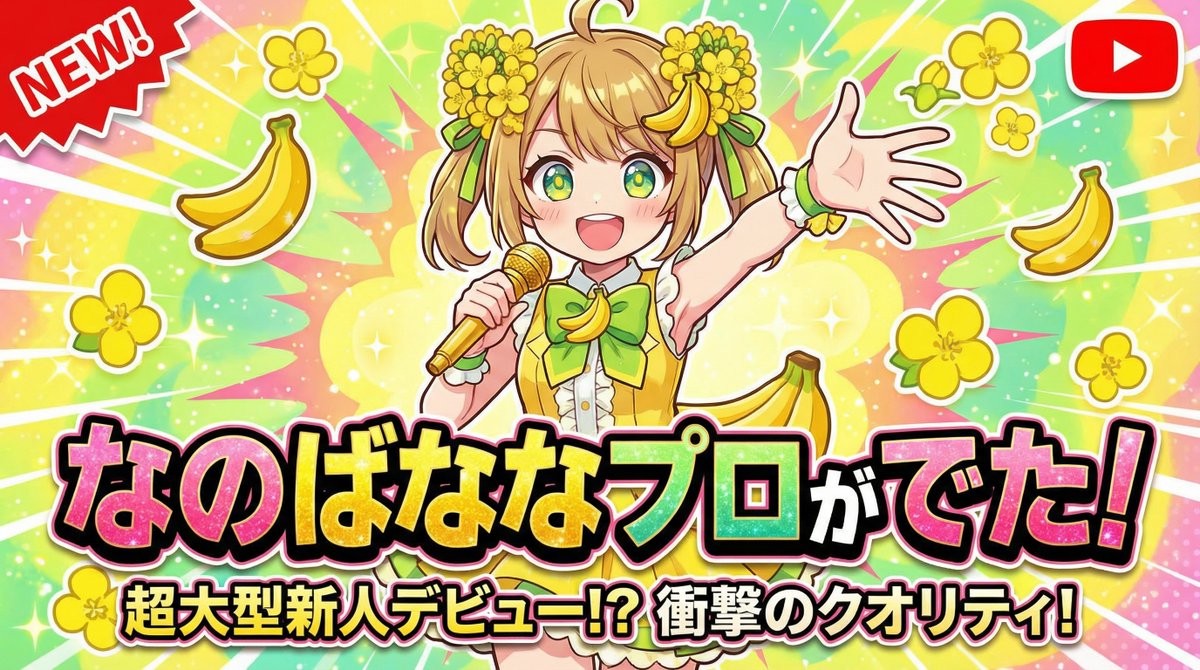
なのばななプロがでたというような目を引くサムネを作成して
What GPT Image 2.5 Flare Is Good At
OpenAI's newest image model pairs high-resolution output with unusually wide framing options.
4K output
Render at 1K while you explore, then re-run the same prompt at 2K or 4K when a layout needs real detail.
Ultra-wide and tall framing
Beyond the usual squares and 16:9, it takes 21:9, 27:16, 16:27, 9:8, and 8:9 natively.
Readable in-image text
Headlines, labels, and packaging copy come back legible instead of scrambled.
Long-prompt control
Up to 20,000 characters, so brand rules and shot notes fit in a single prompt.
GPT Image 2.5 Flare Resolutions
Three output tiers — draft cheaply, then finish at the size your layout actually needs.
1K — drafting
The fastest, cheapest tier. Use it to explore compositions and lock a direction.
2K — publishing
Enough detail for web heroes, social posts, and slides at full-bleed sizes.
4K — print and large format
For posters, packaging comps, and anything that gets cropped or printed.
GPT Image 2.5 Flare Aspect Ratios
Pick the ratio before you generate — these are the shapes creators reach for most.
1:1 Square
Avatars, icons, and feed posts.
3:4 Portrait
Editorial images and product cards.
4:3 Landscape
Classic photo framing and slides.
16:9 Widescreen
Thumbnails, hero images, and decks.
21:9 Ultra-wide
Site banners and cinematic key art.
9:16 Vertical
Stories, Shorts covers, and wallpapers.
How to Generate Images with GPT Image 2.5 Flare
Three steps from an idea to a finished image.
Write your prompt
Describe the subject, style, lighting, and any text that should appear in the image.
Pick a ratio and resolution
GPT Image 2.5 Flare is preselected. Choose an aspect ratio, then 1K, 2K, or 4K.
Generate and save
The credit cost updates with your resolution. Download the result or keep iterating.
GPT Image 2.5 Flare Use Cases
Where high-resolution output and wide framing pay off.
Social content
Feed posts, Stories covers, and thumbnails generated straight into the right ratio.
Posters & key visuals
Draft campaign art at 1K, then re-run the winner at 4K for print.
Site & app banners
21:9 and 27:16 give you real ultra-wide headers without awkward cropping.
Packaging & print comps
4K output holds up when a mockup gets scaled, cropped, or sent to a printer.
A Real Workspace Around the Model
HeyMarmot runs GPT Image 2.5 Flare for you and keeps every generation organized.
No API key
Sign in and generate — we handle the provider plumbing for you.
Switch models anytime
Compare with GPT Image 2, Nano Banana Pro, or Seedream in the same workspace.
Asset library
Every image is saved and reusable for later editing or video work.
Full history
Prompts, ratios, resolutions, and results stay in one thread you can revisit.
GPT Image 2.5 Flare FAQ
What creators ask before generating with GPT Image 2.5 Flare.
What is GPT Image 2.5 Flare?
GPT Image 2.5 Flare is an OpenAI image model that renders up to 4K and supports unusually wide and tall aspect ratios. HeyMarmot hosts both its text-to-image and image-to-image endpoints, so you can work from a prompt or from references in the browser.
How much does GPT Image 2.5 Flare cost?
New accounts get starter credits, so your first images are covered. After that, one image costs 60 credits at 1K, 100 credits at 2K, and 160 credits at 4K.
Do I need an OpenAI API key?
No. HeyMarmot runs the model for you — sign in, write a prompt, and generate. There is nothing to install and no key to manage.
Which aspect ratios does it support?
Twelve fixed ratios plus auto: 1:1, 3:2, 2:3, 4:3, 3:4, 16:9, 9:16, 21:9, 27:16, 16:27, 9:8, and 8:9. The selector on this page lists exactly what the model accepts.
Can I upload a reference image?
Yes — up to 16, in the workspace. The generator on this page is prompt-only; open the workspace to attach references and the model switches to its image-to-image endpoint automatically.
How is it different from GPT Image 2?
Both take reference images. GPT Image 2.5 Flare reaches 4K, offers ultra-wide and tall ratios that GPT Image 2 does not, and accepts prompts up to 20,000 characters.
Explore more AI image tools
Browse prompts, compare pricing, or edit with a reference image.