Seedream 5.0 Pro Image Generator
Create with Seedream 5.0 Pro, ByteDance Seed's reasoning-first image model. Generate high-density infographics, edit with sketches, and render legible multilingual text at 1K/2K — right in your browser on HeyMarmot.
Real AI Image Examples
Browse real images generated on HeyMarmot. Open inspiration, study prompts, and reuse a prompt in one click.
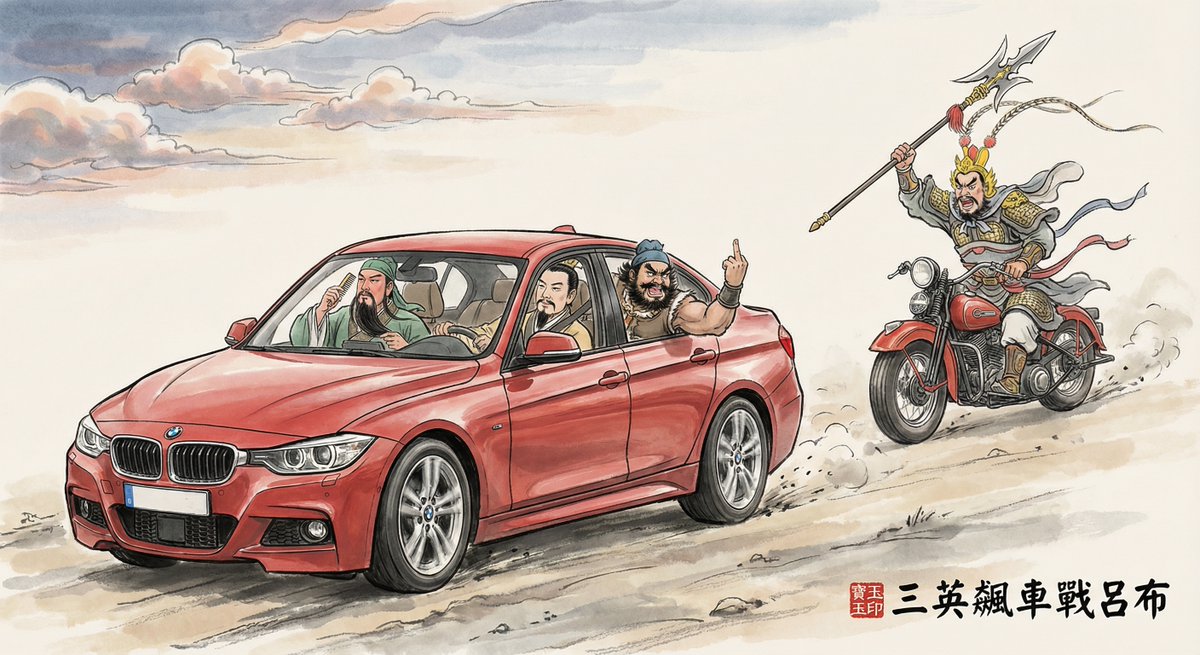
绘制一幅古今混搭幽默水墨插画,主题为《三英飙车战吕布》: 画面为黄昏时分,天空云霞绚丽,大片留白凸显意境; 刘备、关羽、张飞三人乘坐一辆疾驰的红色双排座宝...
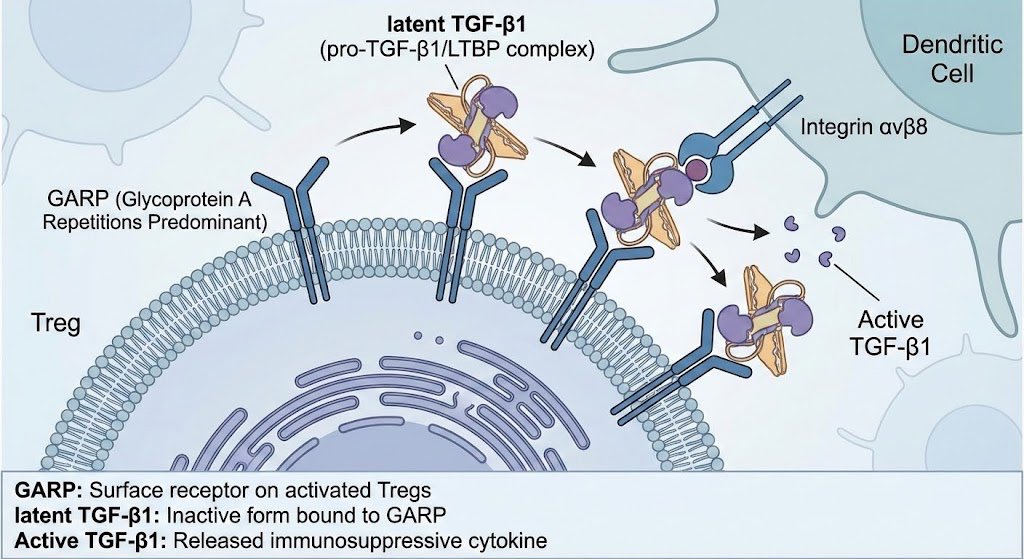
Draw an illustration of GARP biology for Tregs

The image depicts a woman sitting on a black leather chair, wearing a black b...
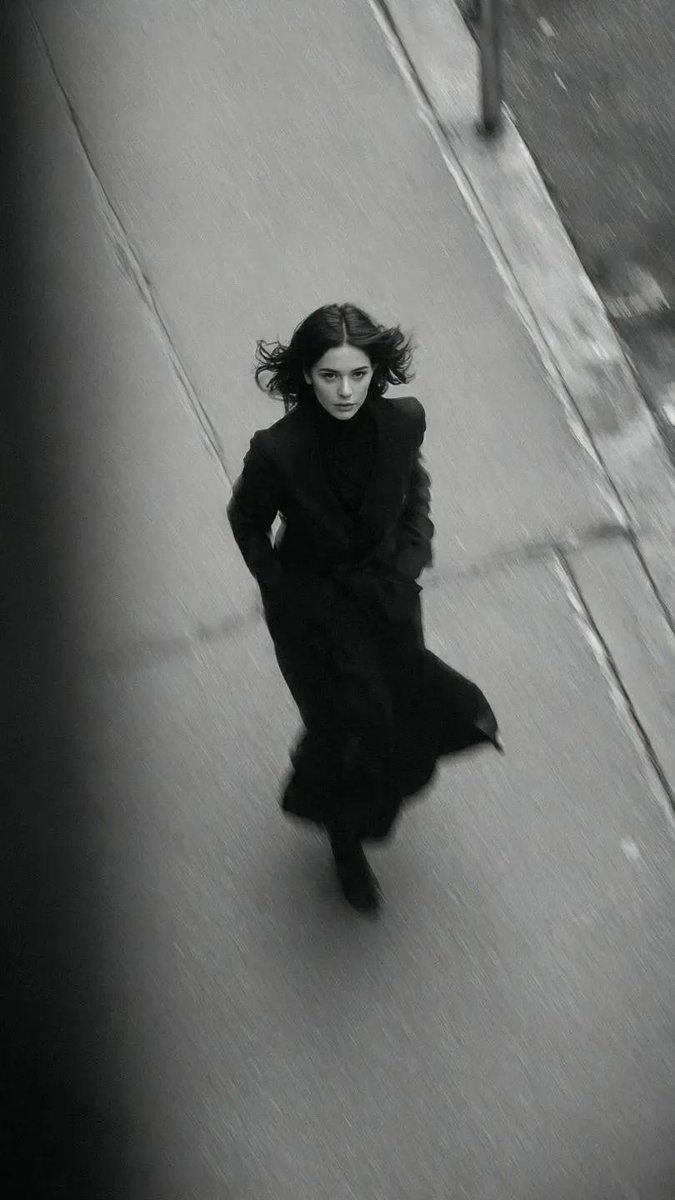
Vogue Fashion Shoot
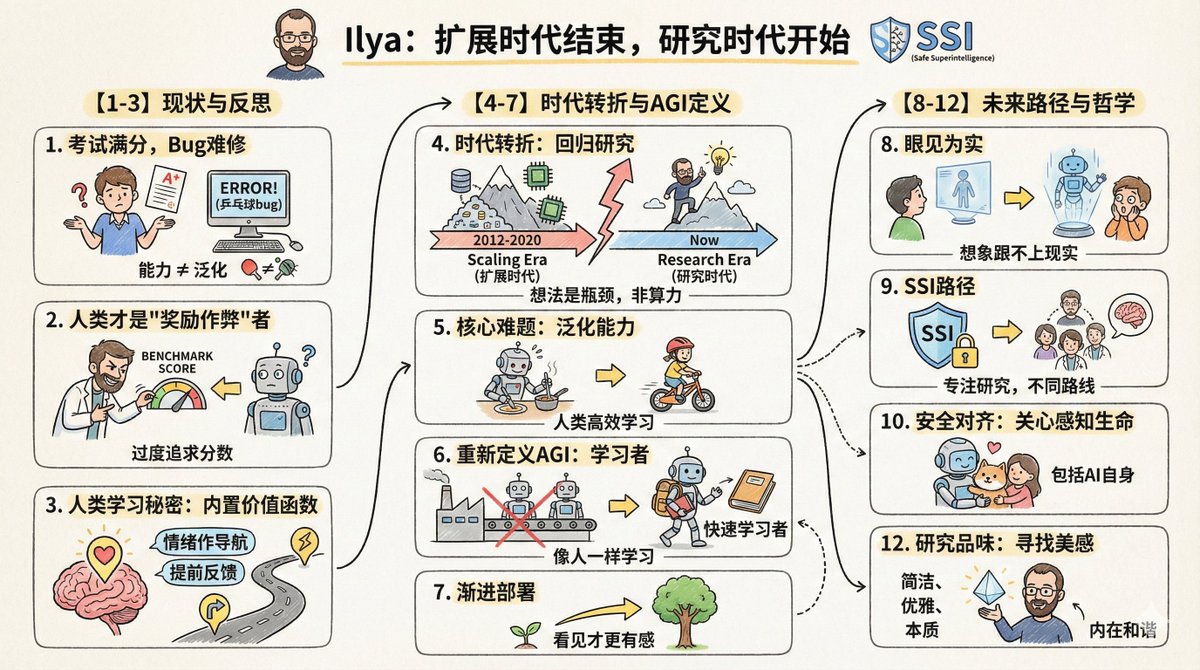
Cartoon-style infographic

Sleepy Pillow Portrait
Seedream 5.0 Pro and More Top AI Image Models
Generate with Seedream 5.0 Pro or switch to Nano Banana Pro, GPT Image 2, Seedream 5.0 Lite, and Grok Imagine — all from one workspace.



Why Create with Seedream 5.0 Pro on HeyMarmot
Seedream 5.0 Pro reasons about structure before it renders — organizing layout, hierarchy, and text. Create dense infographics, editable designs, and photoreal commercial assets in one browser workspace, no API key required.
How to Create Images with Seedream 5.0 Pro
Go from an idea to a finished Seedream 5.0 Pro image in three quick steps.
Write a prompt
Describe your idea — include any in-image text and layout you want.
Choose Seedream 5.0 Pro
Seedream 5.0 Pro is preselected. Set the aspect ratio and resolution.
Generate & refine
Generate with Seedream 5.0 Pro, save the result, or keep iterating.
Seedream 5.0 Pro vs Other AI Image Models
Compare Seedream 5.0 Pro with Nano Banana Pro, GPT Image 2, Seedream 5.0 Lite, and Grok Imagine to pick the right model for every shot.
Nano Banana 2 Lite
Available for text-to-image and reference-based generation.
Nano Banana 2
Available for text-to-image and reference-based generation.
Nano Banana Pro
Available for text-to-image and reference-based generation.
GPT Image 2
Available for text-to-image and reference-based generation.
Seedream 5.0
Available for text-to-image and reference-based generation.
Seedream 4.5
Available for text-to-image and reference-based generation.
Grok Imagine
Available for text-to-image and reference-based generation.
Wan 2.7
Available for text-to-image and reference-based generation.
z-image
Available for text-to-image and reference-based generation.
Seedream 5.0 Pro Use Cases
Use Seedream 5.0 Pro for infographics, product visuals, branding, and concept art.
Infographics & posters
Generate dense, legible infographics, educational posters, and diagrams with clear hierarchy.
Product visuals
Create and edit product shots, e-commerce banners, and mockups from a few references.
Branding & ads
Design ad creatives, logos, and launch graphics with sharp, readable multilingual text.
Concept art
Explore characters, magazine covers, and moodboards with photoreal detail.
A Practical Seedream 5.0 Pro Workspace, Not Just a Prompt Box
HeyMarmot keeps your Seedream 5.0 Pro prompts, reference images, aspect ratios, assets, and iteration history together so creation stays organized.
Prompt to image
Type a prompt and let Seedream 5.0 Pro generate polished images instantly.
Model choice
Switch between Seedream 5.0 Pro and other top image models anytime.
Flexible aspect ratios
Create square, portrait, landscape, and ultrawide Seedream 5.0 Pro images.
Reference image editing
Add references so Seedream 5.0 Pro edits or restyles your photos.
Reusable asset library
Save Seedream 5.0 Pro outputs and uploads for follow-up work.
Conversation history
Keep prompts, references, and Seedream 5.0 Pro results in one thread.
Seedream 5.0 Pro Generator FAQ
Answers for creators using Seedream 5.0 Pro to generate and edit AI images.
What is Seedream 5.0 Pro?
Seedream 5.0 Pro is ByteDance Seed's flagship image model, built around reasoning. It excels at high-density infographics, sketch-based editing, photographic realism, and native multilingual text, with 1K standard output and 2K high-resolution output.
Is Seedream 5.0 Pro free to use?
New users get starter credits after signing up, so you can try Seedream 5.0 Pro free before upgrading. Continued use is covered by affordable credits.
Do I need a Seedream API key?
No. HeyMarmot runs Seedream 5.0 Pro for you, so you can generate images in your browser without managing a ByteDance or Kie API key or writing code.
What is Seedream 5.0 Pro best at?
It's strongest on structured, text-rich work — infographics, posters, product designs, and UI-like layouts — plus multilingual text and photoreal people and products.
Can Seedream 5.0 Pro edit a reference image?
Yes. Upload one or more reference images and Seedream 5.0 Pro will edit or restyle them from your prompt. Leave the upload empty for text-to-image generation.
How does Seedream 5.0 Pro compare with Seedream 5.0 Lite?
Choose Seedream 5.0 Pro for the highest quality and the toughest layout, text, and editing tasks. Choose Seedream 5.0 Lite for faster, lower-cost iteration.
Explore more AI image resources
Find Seedream 5.0 Pro prompts, compare pricing, or move between text-to-image and AI video.