Image to Image
Transform any reference image into a brand-new visual. Upload a photo or artwork, describe the change you want, and HeyMarmot reimagines it with Nano Banana Pro, GPT Image 2, Seedream, Grok Imagine, and more.
Real AI Image Examples
Browse real images generated on HeyMarmot. Open inspiration, study prompts, and reuse a prompt in one click.
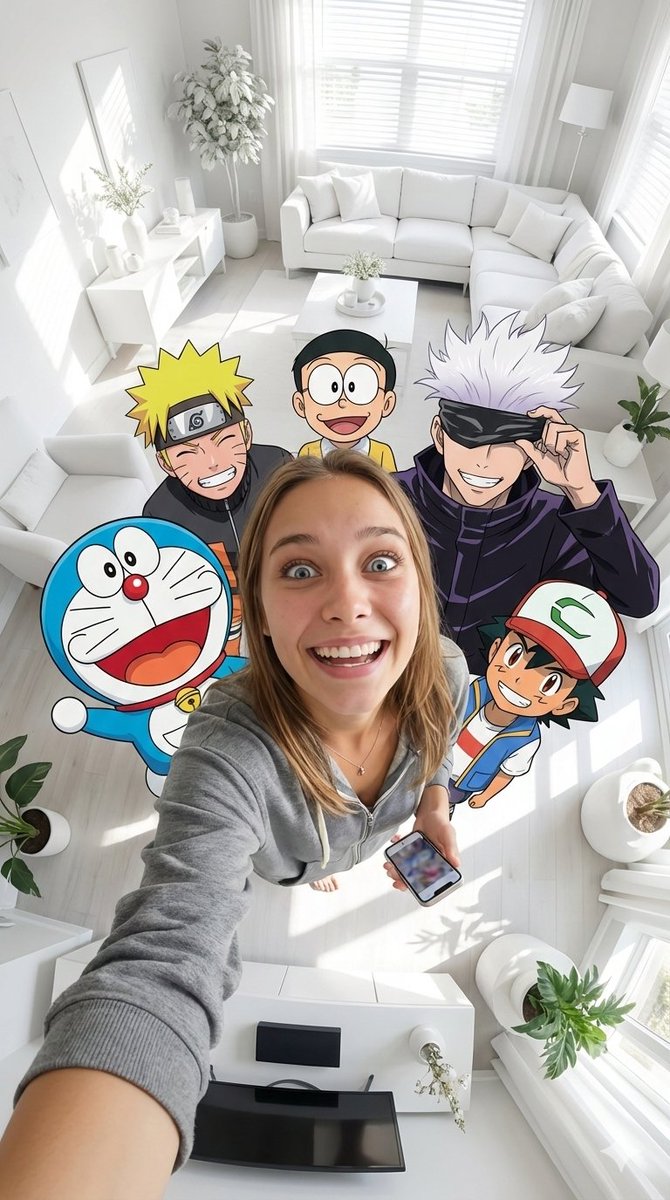
9/16 vertical format fisheye selfie of an ultra-realistic woman from a photo ...
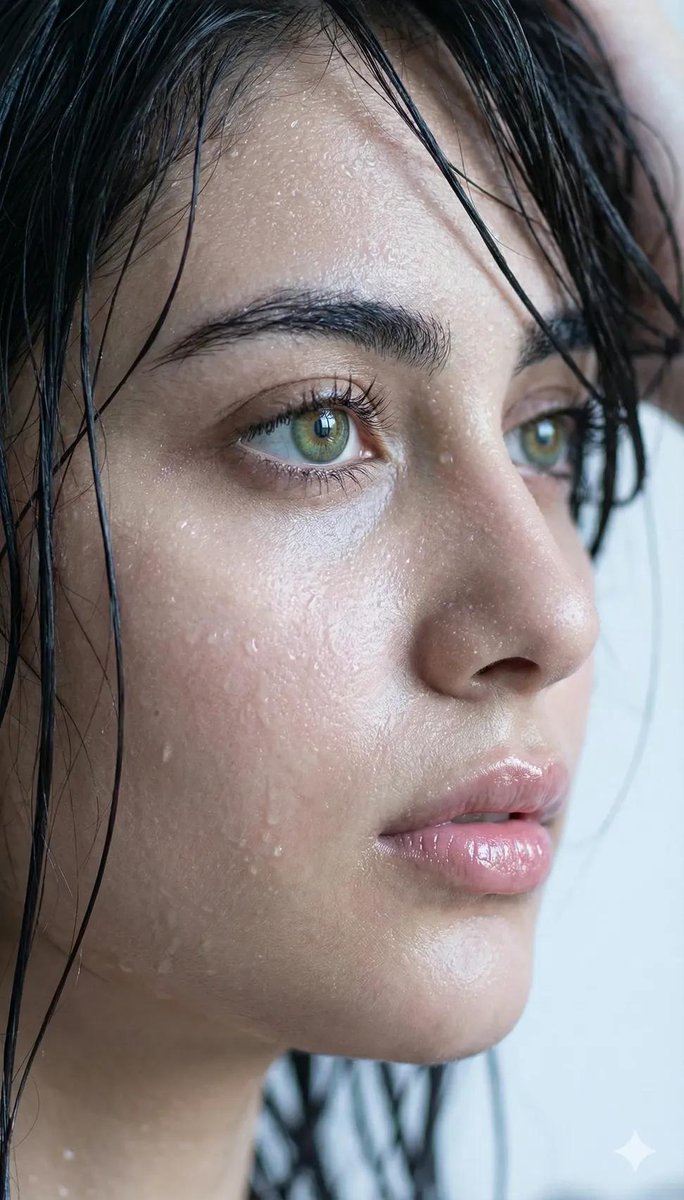
Young woman. Side profile, extreme close-up.
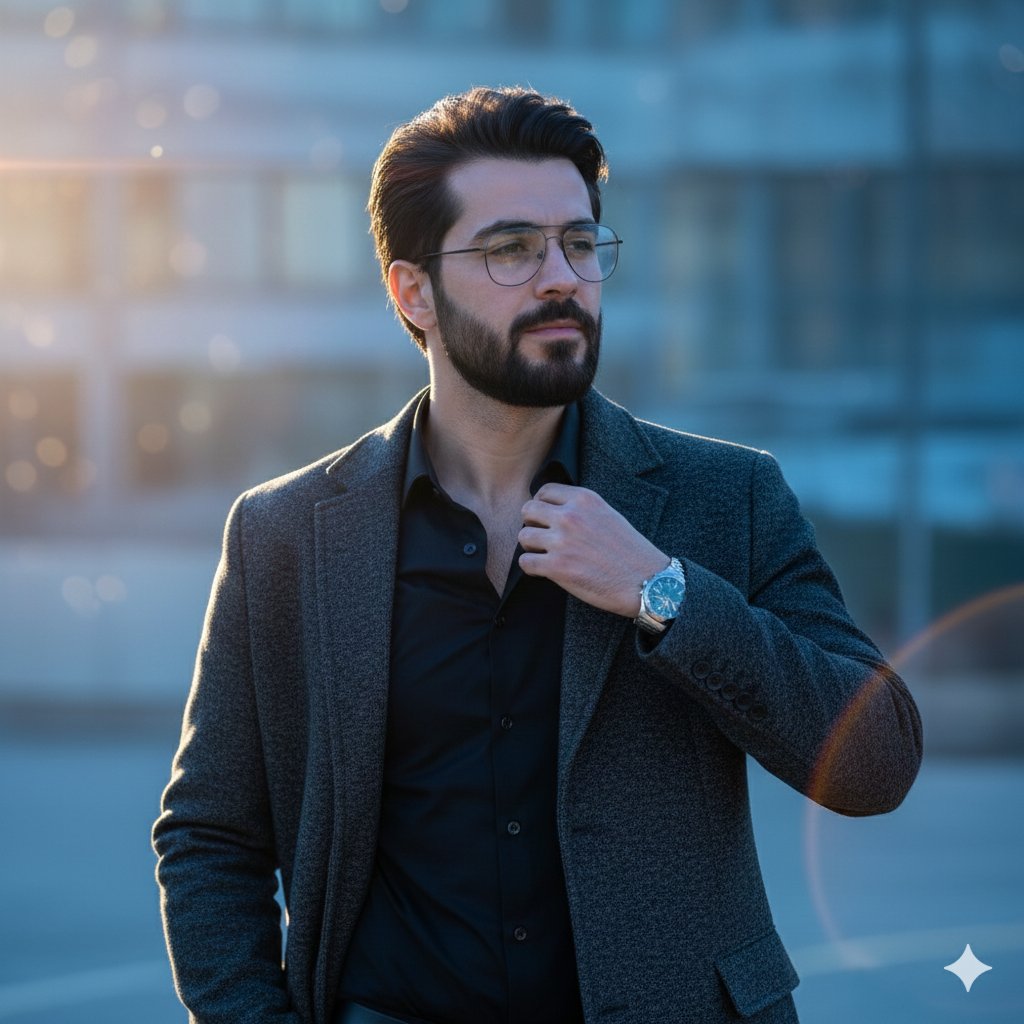
Man in Blue Hour
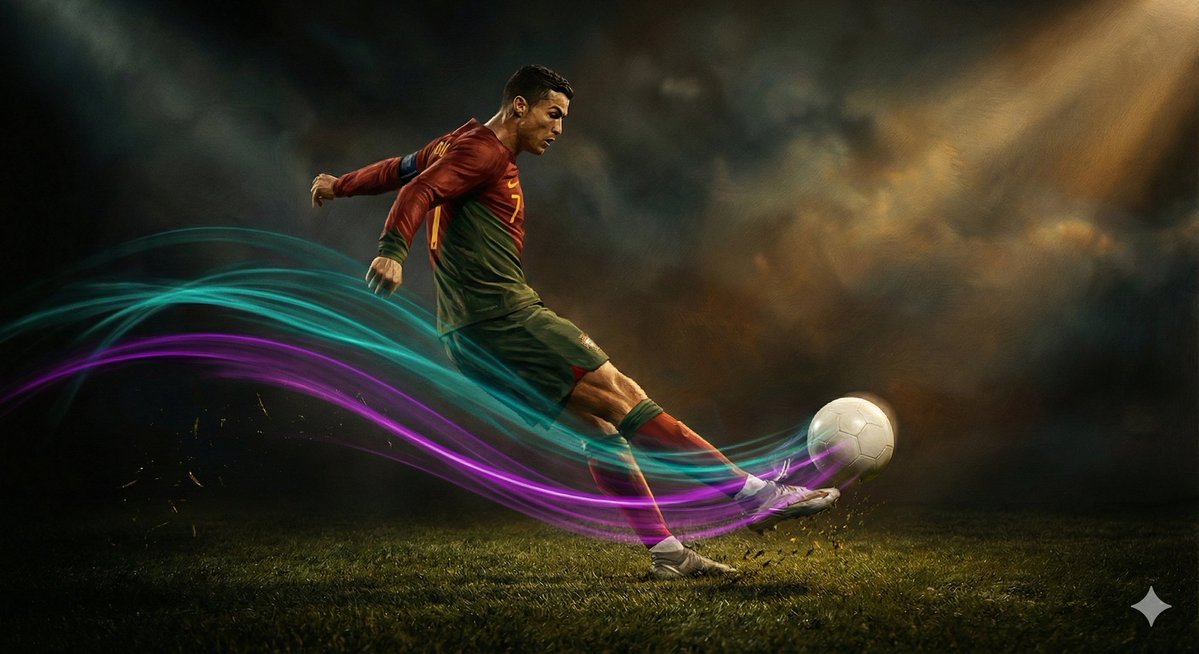
A slow-motion cinematic video in Renaissance painting style showing a soccer ...
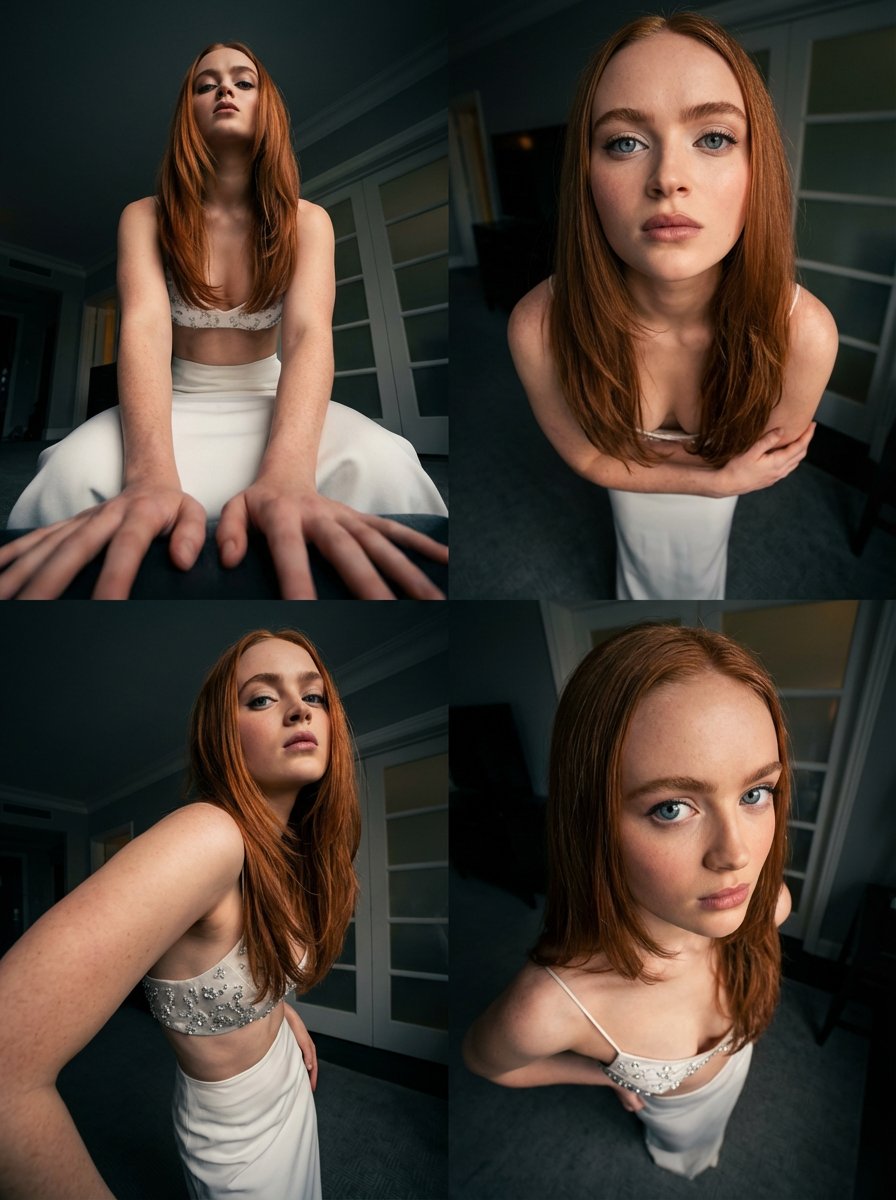
Sadie Sink Variations
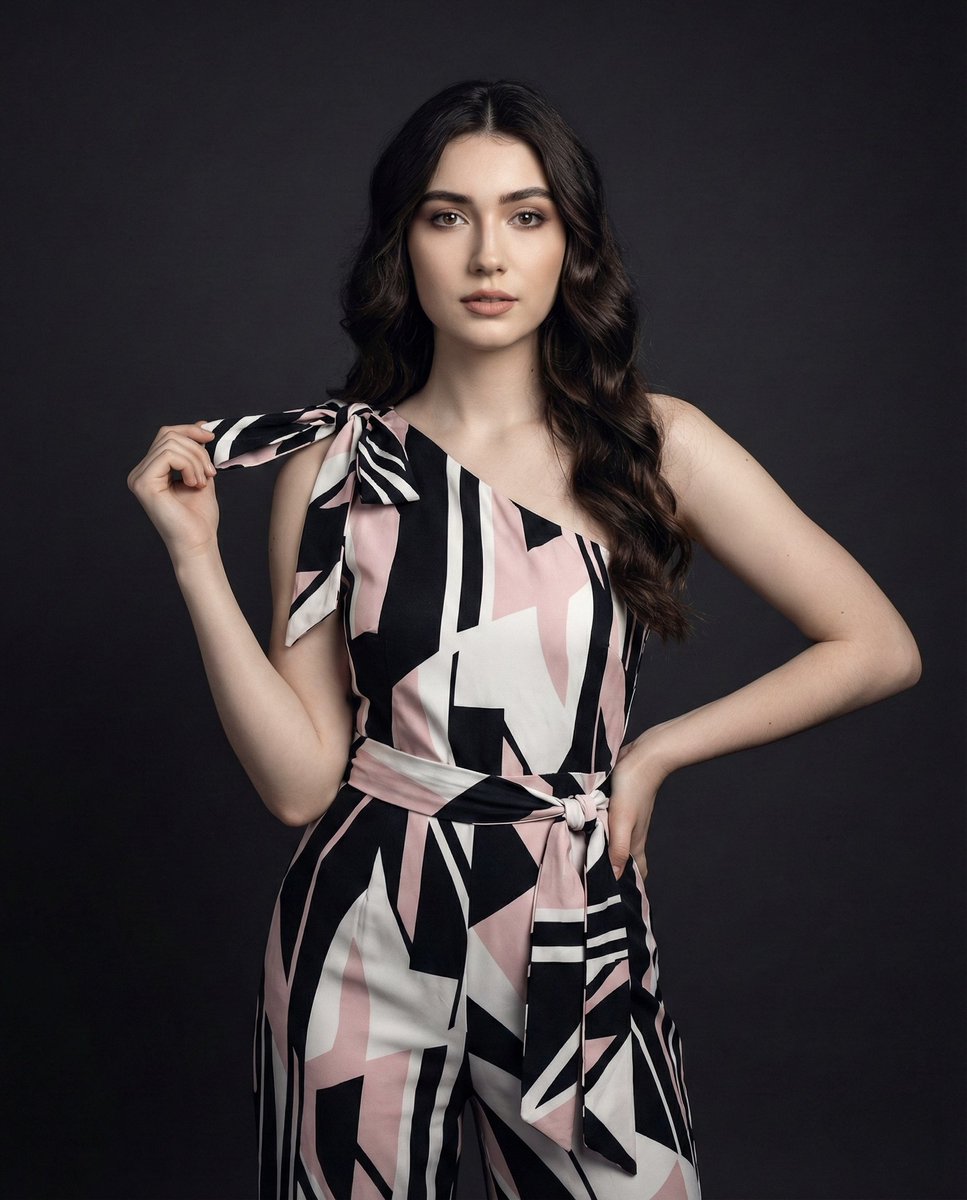
A stunning, confident woman posing in a studio with a poised, captivating exp...
Reimagine Any Image with Top AI Models
Choose the image-to-image model that fits your goal: restyle, edit, enhance, or remix while keeping your reference as the starting point.


Transform Any Image with HeyMarmot Image to Image AI
Restyle photos, edit products, swap backgrounds, or remix artwork into new directions. Upload a reference, describe the change, and keep refining in the same creative thread.
How to Transform an Image with AI
Go from a reference image to a new visual in three quick steps.
Upload your image
Drag in a photo, AI artwork, or any still image you want to transform.
Choose a model
Pick the image-to-image model, aspect ratio, and resolution that match your goal.
Generate and refine
Preview the new image, save it, or keep iterating with a stronger prompt.
Supported Image to Image Models
Compare Nano Banana Pro, GPT Image 2, Seedream, Grok Imagine, Wan, and more from one image-to-image workspace.
Nano Banana Pro
Available for reference-based AI image generation.
Nano Banana 2
Available for reference-based AI image generation.
GPT Image 2
Available for reference-based AI image generation.
Seedream 5.0
Available for reference-based AI image generation.
Seedream 4.5
Available for reference-based AI image generation.
Grok Imagine
Available for reference-based AI image generation.
Wan 2.7
Available for reference-based AI image generation.
z-image
Available for reference-based AI image generation.
Image to Image Use Cases
Use image-to-image generation to restyle visuals, edit product shots, refresh branding, and remix concepts.
Restyle social content
Turn an existing image into fresh covers, thumbnails, and campaign visuals in new styles for every channel.
Edit product visuals
Swap backgrounds, change lighting, or restyle product photos into lifestyle and ecommerce-ready scenes.
Refresh brand assets
Reimagine ad directions, visual systems, and launch graphics from a reference without a full reshoot.
Remix concept art
Iterate on characters, environments, posters, and moodboards by transforming a starting image.
A Practical AI Image Editor, Not Just a Prompt Box
HeyMarmot keeps your reference image, model choice, aspect ratios, assets, and iteration history together so image-to-image creation stays organized.
Image-first creation
Start from a reference image and describe the transformation you want.
Model choice
Switch models for realism, typography, speed, or stylized illustration.
Flexible aspect ratios
Create square, portrait, landscape, and model-specific formats.
Reference-driven control
Keep your uploaded image as the anchor for tighter, more consistent results.
Reusable asset library
Save generated images and uploaded references for follow-up work.
Conversation history
Keep prompts, references, and outputs in one creative thread.
Image to Image Generator FAQ
Answers for creators transforming reference images into new AI visuals.
What is an image to image generator?
An image to image generator takes a reference image plus a prompt and produces a new image, transforming style, content, or details with AI.
What image formats are supported?
You can upload common formats like JPG, PNG, and WEBP. Crisp, high-resolution references give the best results.
Which AI image-to-image models are available?
HeyMarmot supports leading image models including Nano Banana Pro, GPT Image 2, Seedream, Grok Imagine, and Wan where available.
Do I need a prompt?
Yes. A clear prompt guides how your reference image is transformed — the more specific your description, the closer the result matches your idea.
Can I choose aspect ratio and resolution?
Yes. Supported ratios and resolutions are shown for each selected model so you can create images for social, product, web, or concept work.
Is there a free trial?
New users receive starter credits after sign-up, so you can try image to image generation before upgrading.
Explore more AI image resources
Find inspiration, compare pricing, or move between text-to-image and AI video creation.