 xAI · Grok Imagine Image 2.0
Grok Imagine Image 2.0 Image Generator
Create images with xAI's Grok Imagine Image 2.0 — a fast, strongly stylized text-to-image model. Write a prompt, pick one of five aspect ratios, and generate right in your browser on HeyMarmot. No API key, no setup.
Prompt only — Grok Imagine Image 2.0 does not take reference images.
Need a starting point?
1:1, 2:3, 3:2, 16:9, 9:16
Per generated image
Prompt-only, no reference image
Prompts, assets, and history together
Real AI Image Examples
Browse real images generated on HeyMarmot. Open inspiration, study prompts, and reuse a prompt in one click.
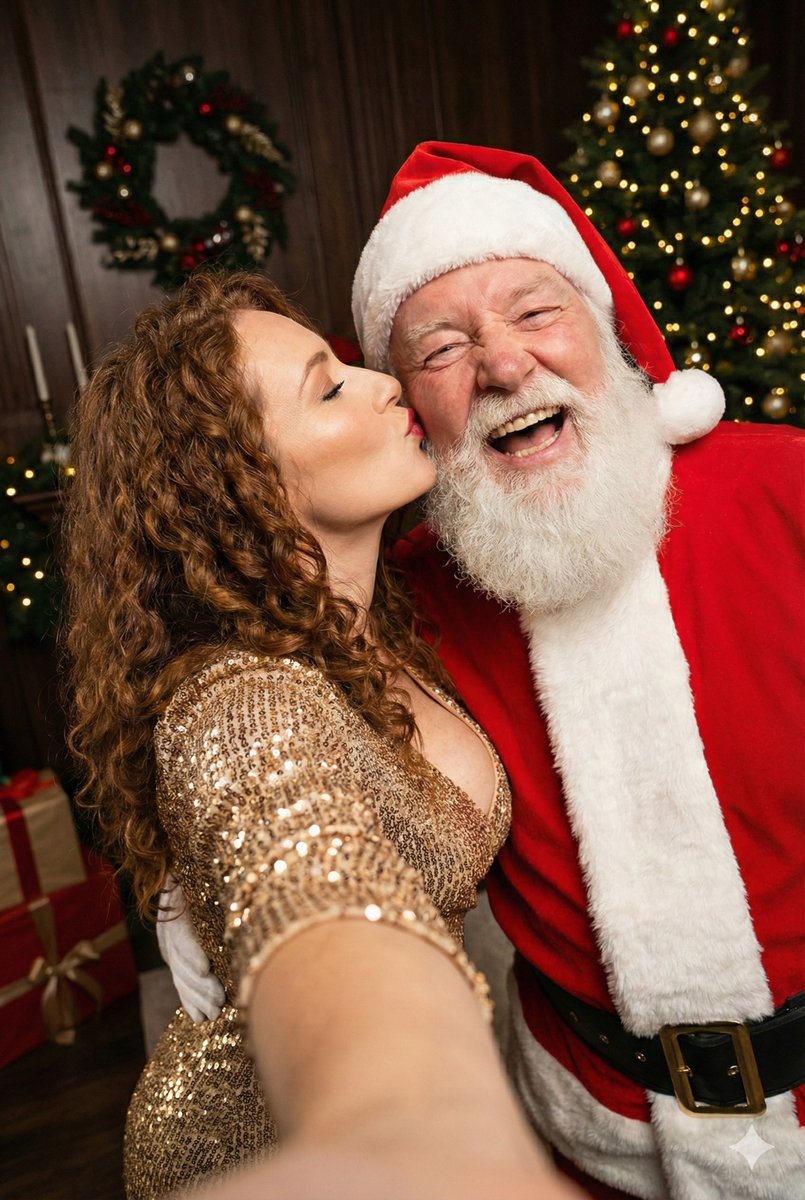
Woman Kissing Santa
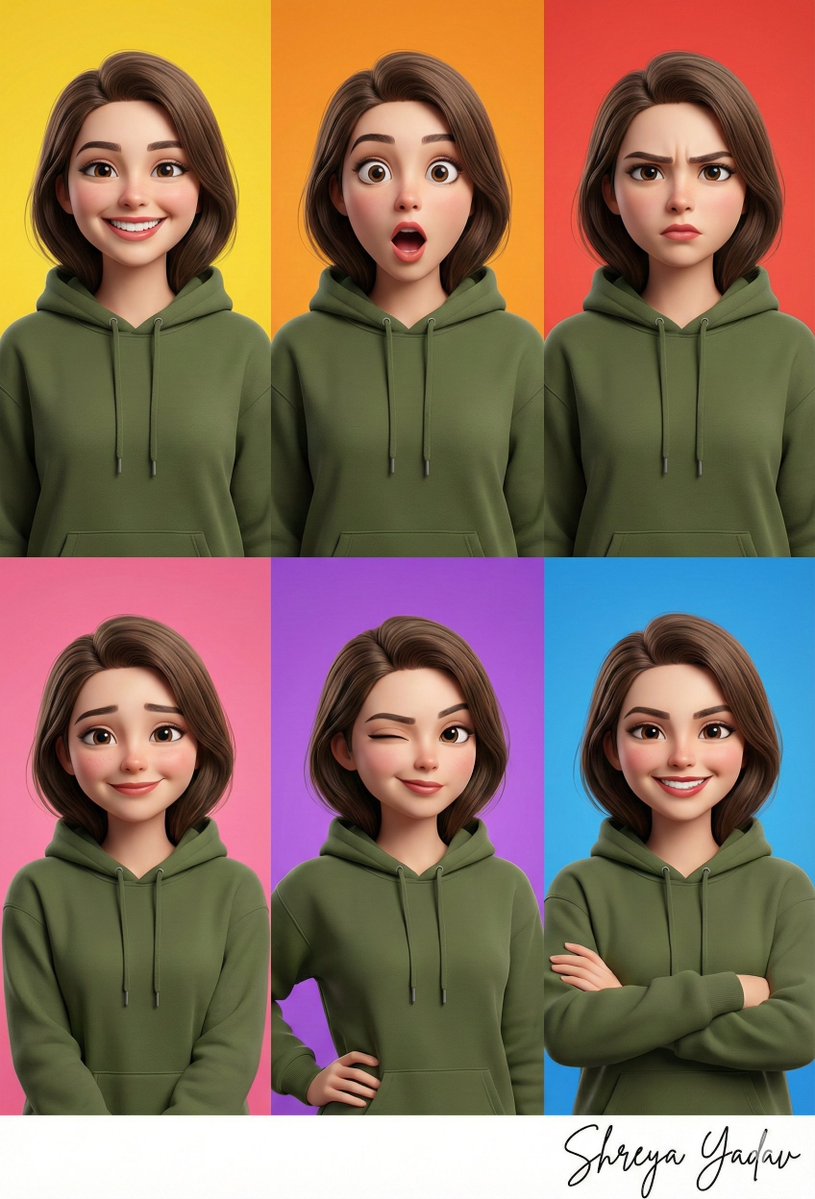
3D_Caricature_Collage_Olive_Green.
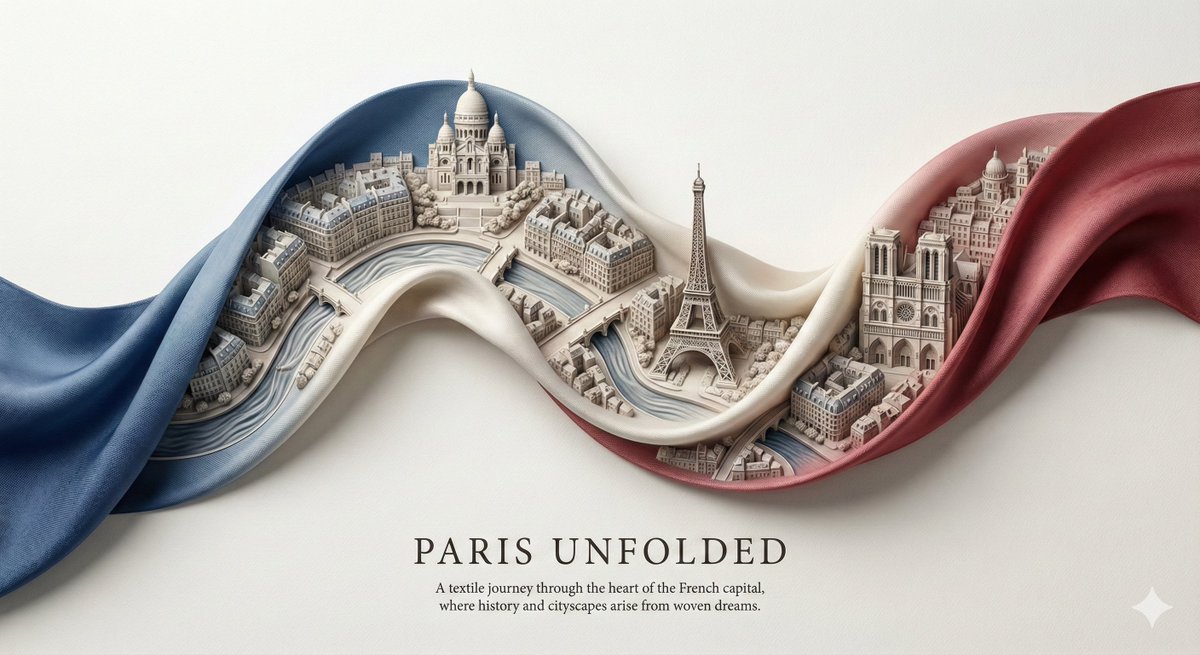
City Ribbon Art
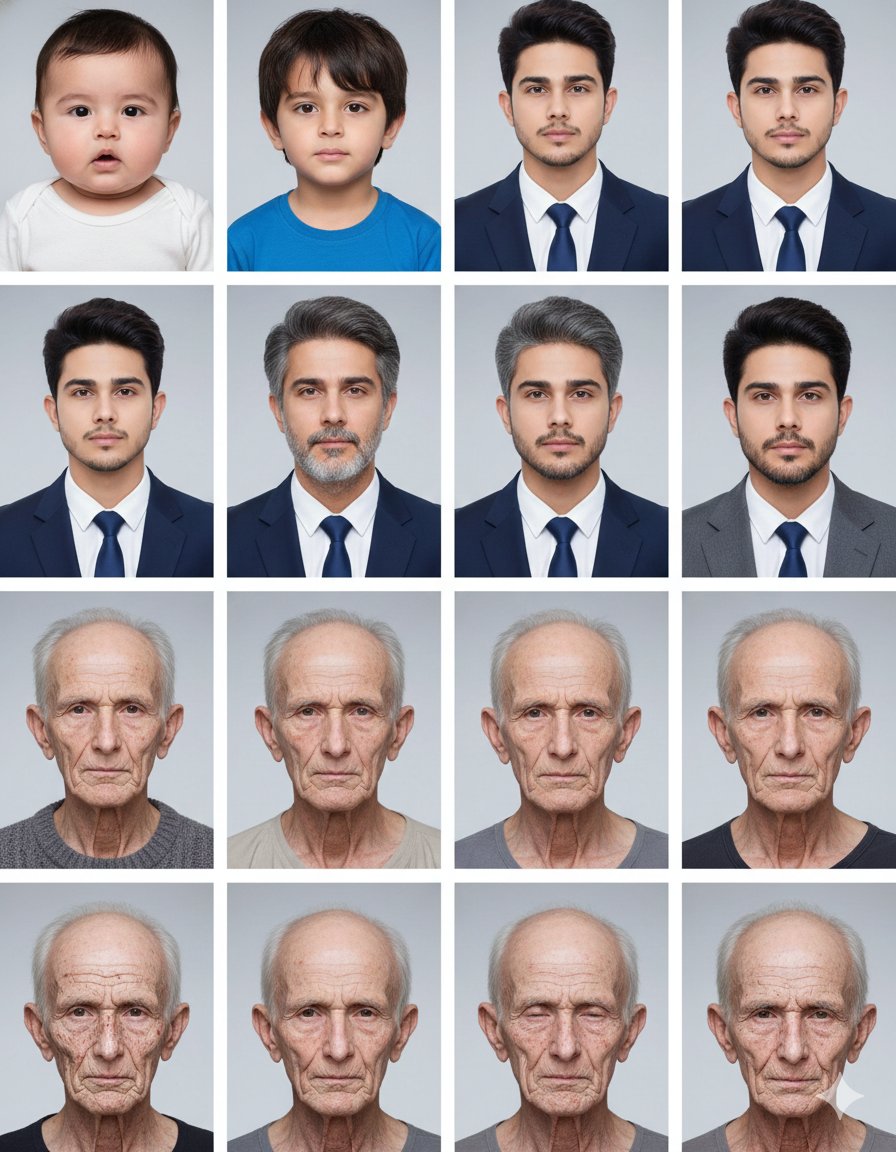
A single 4x4 grid containing sixteen clean photographic portraits of the same...
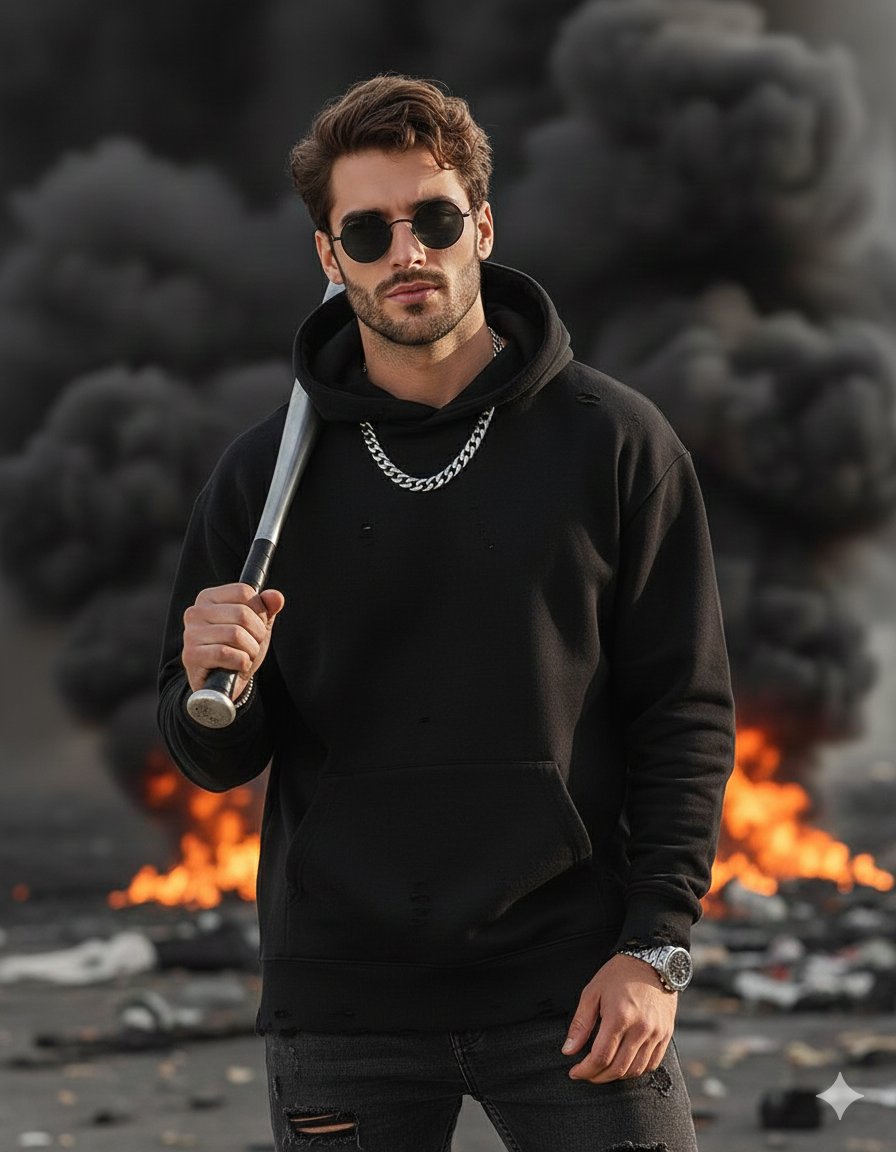
completing the look with a chunky silver chain around his neck, dark round fr...
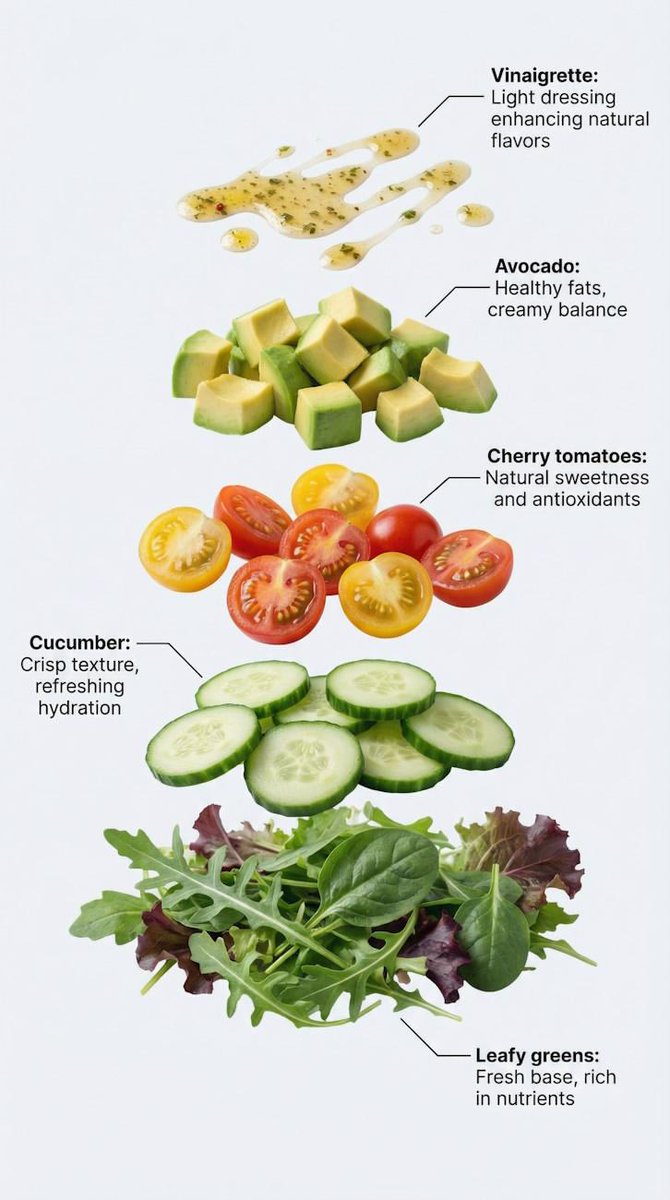
Exploded Salad Visualization
What Grok Imagine Image 2.0 Is Good At
The second-generation Grok Imagine image model is built around speed and strong visual style.
Strong stylization
Push bold looks — neon, cinematic, illustrative, retro — without fighting the prompt.
Fast generation
Images come back quickly, so you can explore a concept in minutes instead of hours.
Prompt-driven control
Everything comes from your text: subject, framing, lighting, palette, and mood.
Five ready ratios
Square, portrait, landscape, widescreen, and vertical outputs for any placement.
Grok Imagine Image 2.0 Aspect Ratios
Pick the ratio before you generate — Grok Imagine Image 2.0 supports these five.
1:1 Square
Avatars, icons, and feed posts.
2:3 Portrait
Posters, book covers, and print layouts.
3:2 Landscape
Photo-style scenes and blog headers.
16:9 Widescreen
Thumbnails, slides, and hero banners.
9:16 Vertical
Shorts covers, Stories, and phone wallpapers.
How to Generate Images with Grok Imagine Image 2.0
Three steps from an idea to a finished image.
Write your prompt
Describe the subject, style, and lighting you want in plain language.
Pick an aspect ratio
Grok Imagine Image 2.0 is preselected. Choose 1:1, 2:3, 3:2, 16:9, or 9:16.
Generate and save
Generate for 40 credits, then download the result or keep iterating.
Grok Imagine Image 2.0 Use Cases
Where a fast, stylized text-to-image model earns its keep.
Social content
Turn out feed posts, Stories covers, and thumbnails in the right ratio.
Posters & key visuals
Draft bold poster art and campaign visuals in 2:3 or 9:16.
Concept exploration
Sketch characters, worlds, and moodboards before committing to a direction.
Marketing visuals
Generate hero banners and ad backgrounds without a photo shoot.
A Real Workspace Around the Model
HeyMarmot runs Grok Imagine Image 2.0 for you and keeps every generation organized.
No API key
Sign in and generate — we handle the provider plumbing for you.
Switch models anytime
Compare with Nano Banana Pro, GPT Image 2, or Seedream in the same workspace.
Asset library
Every image is saved and reusable for later editing or video work.
Full history
Prompts, ratios, and results stay in one thread you can revisit.
Grok Imagine Image 2.0 FAQ
What creators ask before generating with Grok Imagine Image 2.0.
What is Grok Imagine Image 2.0?
Grok Imagine Image 2.0 is xAI's second-generation Grok Imagine image model. It turns a text prompt into a finished image with fast generation and a strong stylistic range. HeyMarmot hosts its text-to-image endpoint so you can use it in the browser.
Is Grok Imagine Image 2.0 free to try?
New accounts get starter credits, so your first images are covered. After that, each Grok Imagine Image 2.0 image costs 40 credits.
Do I need an xAI or Grok API key?
No. HeyMarmot runs the model for you — sign in, write a prompt, and generate. There is nothing to install and no key to manage.
Which aspect ratios does it support?
Five: 1:1, 2:3, 3:2, 16:9, and 9:16. Pick one before generating — the selector on this page lists exactly what the model accepts.
Can I upload a reference image?
Not with this model. Grok Imagine Image 2.0 is text-to-image only. For reference-based generation or editing, switch to Nano Banana Pro, GPT Image 2, or Seedream in the workspace.
How is it different from Grok Imagine Video?
Grok Imagine Video animates an image into a short clip. Grok Imagine Image 2.0 generates still images from text. Many creators generate here first, then animate the result.
Explore more AI image tools
Browse prompts, compare pricing, or animate your Grok Imagine images.