GPT Image 2 Image Generator
Create stunning visuals with GPT Image 2, OpenAI's latest image model. Use GPT Image 2 free online to turn text prompts into photoreal images, edit reference photos, and explore GPT Image 2 prompts — no ChatGPT subscription or API key required.
Real AI Image Examples
Browse real images generated on HeyMarmot. Open inspiration, study prompts, and reuse a prompt in one click.
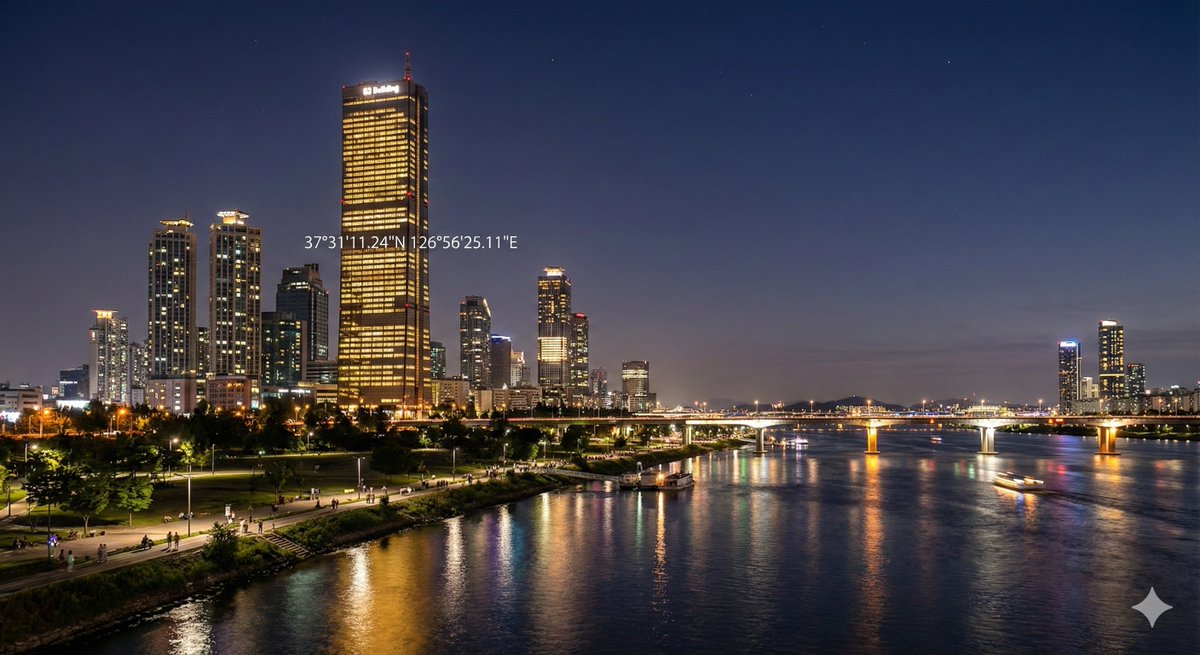
Create an image of 37°31'11.24"N 126°56'25.11"E at night.
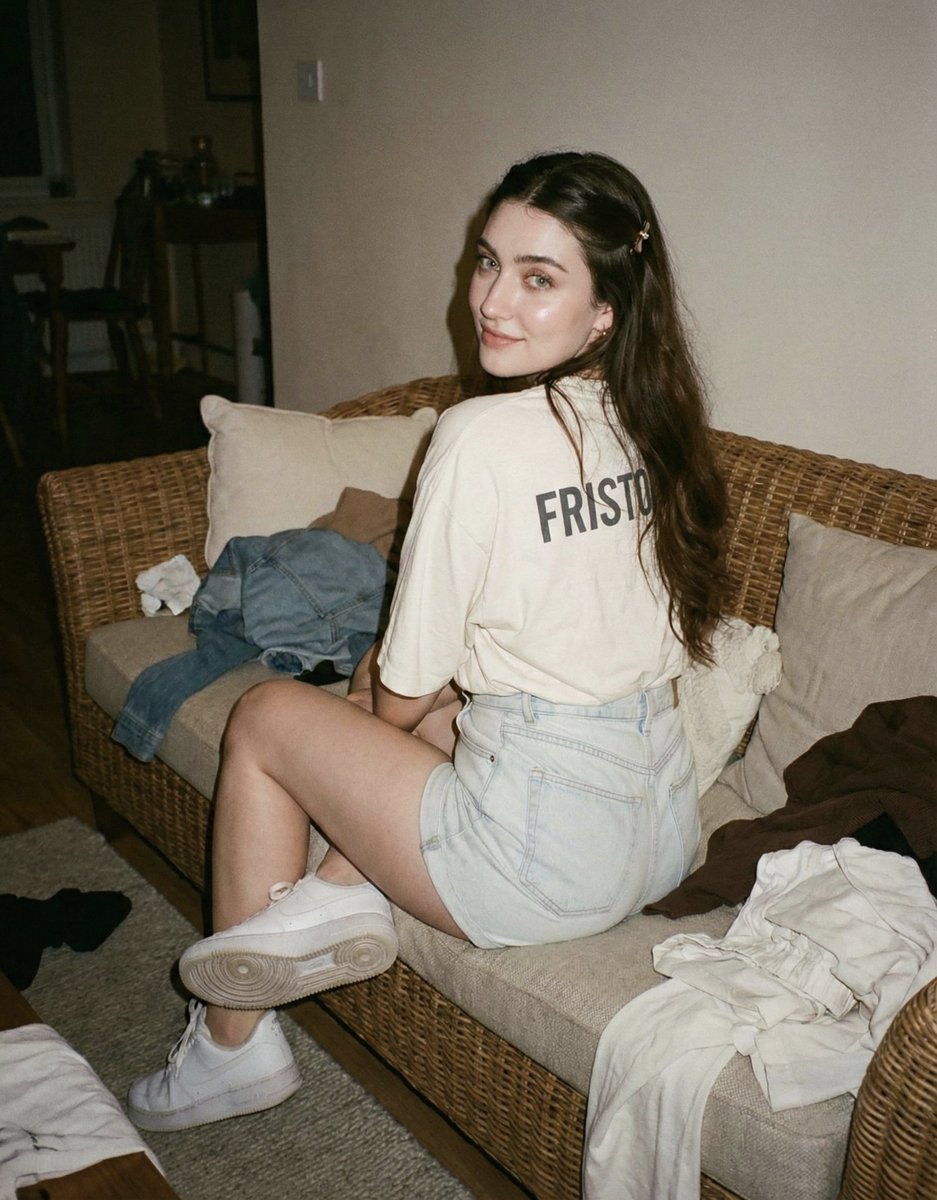
Facial features must remain exactly identical to the provided reference photo.
![A miniature diorama of [CITY], condensed into a tiny tabletop world.](https://image.bestpromptclub.com/prompts/2000901950767030306/G8ShrmKa4AAJTo3.jpg)
A miniature diorama of [CITY], condensed into a tiny tabletop world.
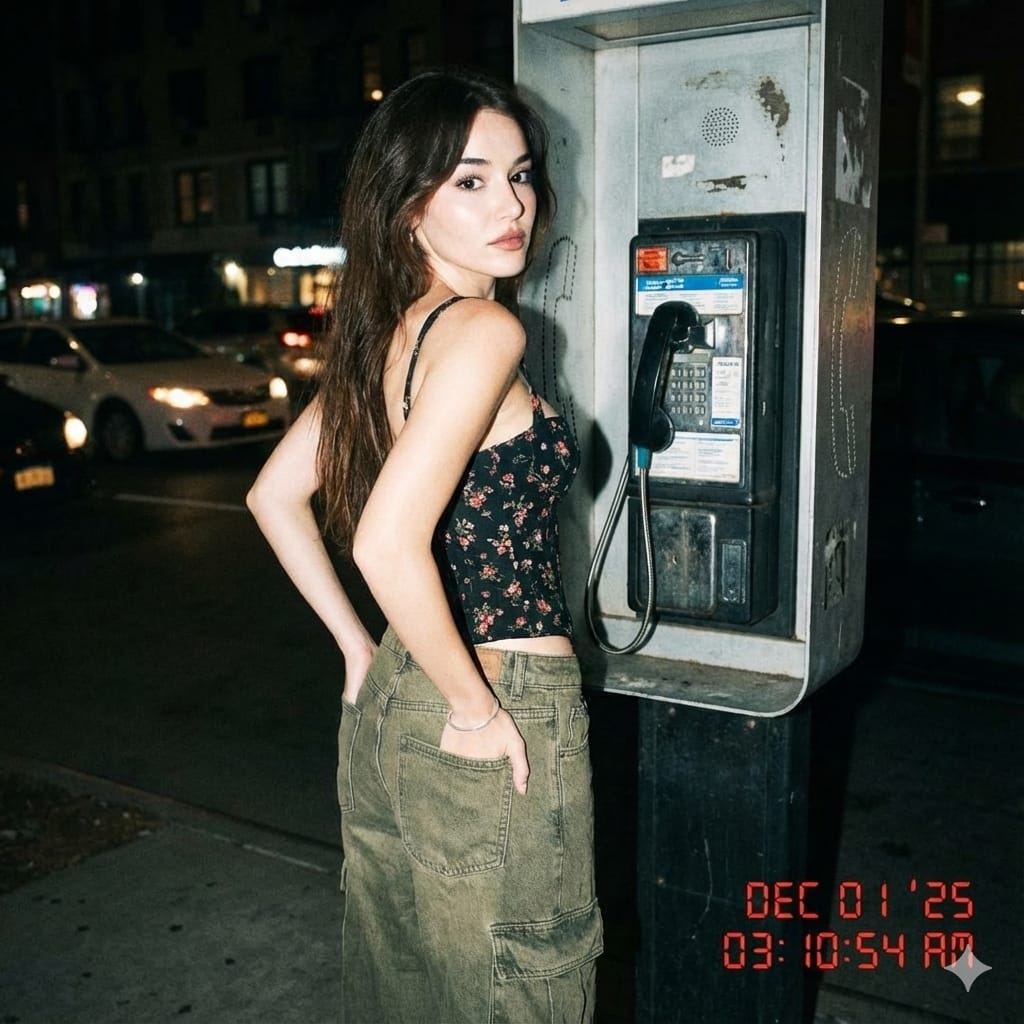
Nighttime flash photo with Y2K aesthetic, red digital timestamp in corner. Yo...
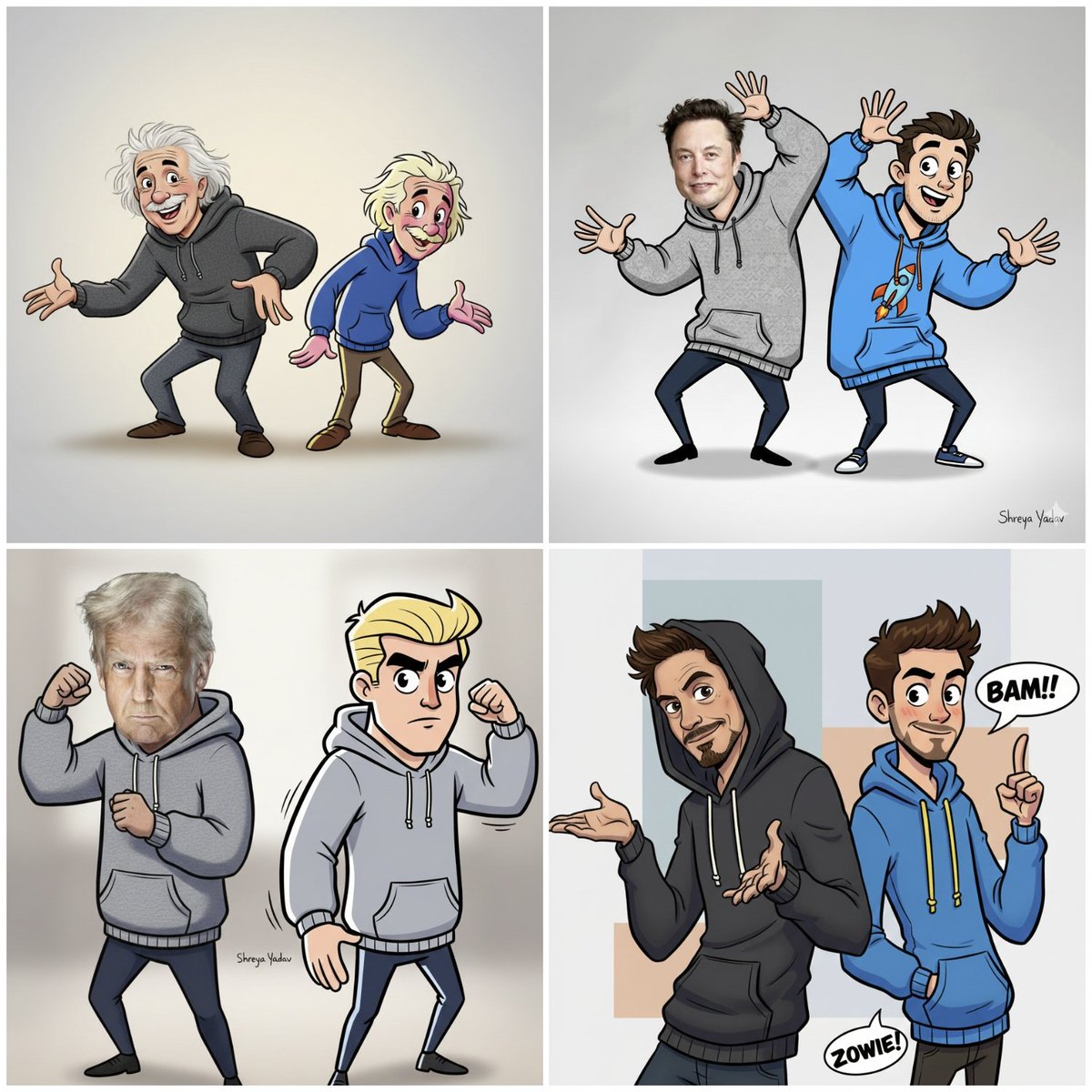
A realistic photograph of a man wearing a trendy hoodie, striking an exaggera...
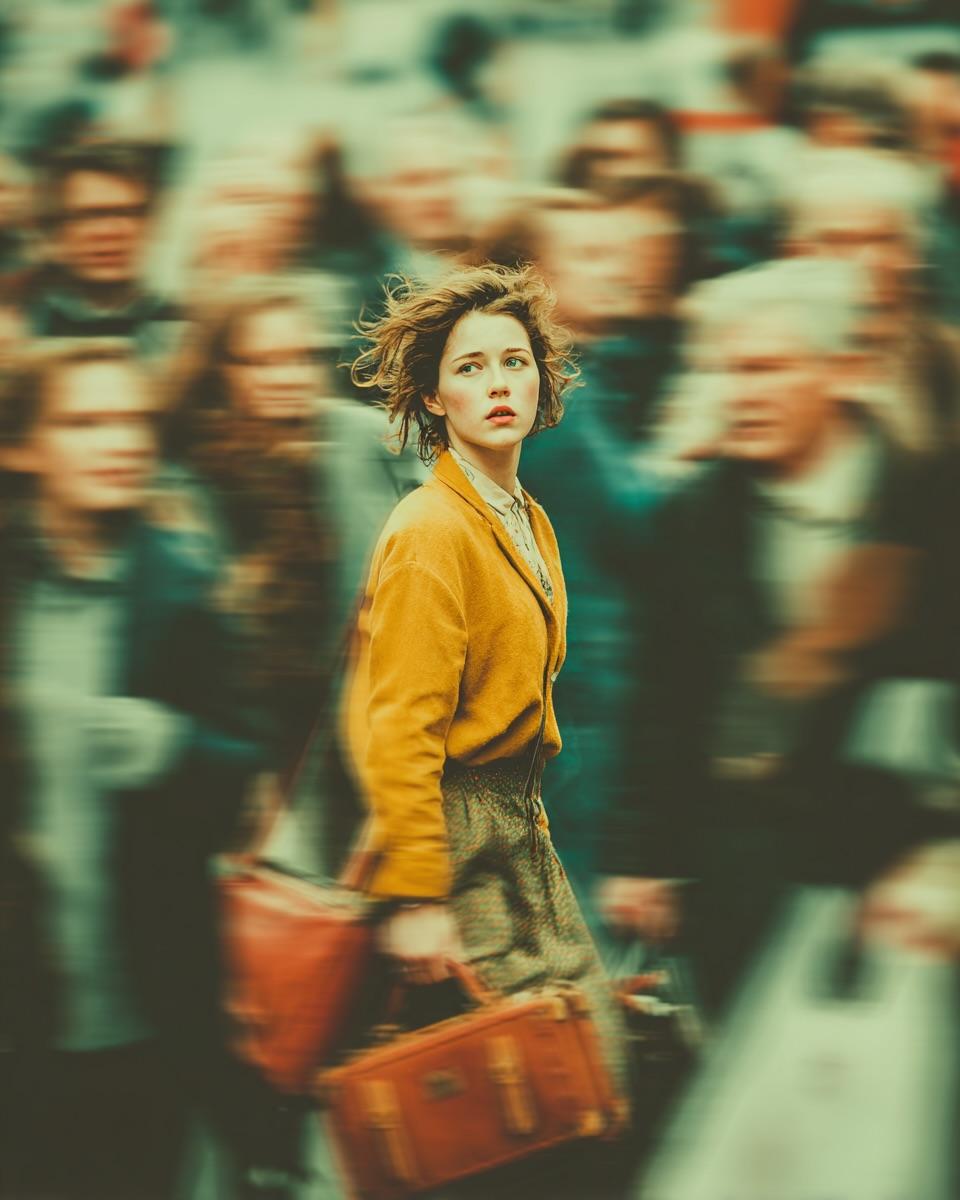
Create a cinematic, emotionally charged portrait of a young woman standing still
GPT Image 2 and More Top AI Image Models
Generate with GPT Image 2 or switch to Nano Banana 2, Nano Banana Pro, Seedream, and Grok Imagine — all from one workspace.



Why Create with GPT Image 2 on HeyMarmot
GPT Image 2 delivers accurate prompt following, sharp text rendering, and photoreal detail. Generate, edit, and iterate online — no OpenAI API key or ChatGPT Plus needed to get started.
How to Create Images with GPT Image 2
Go from an idea to a finished GPT Image 2 image in three quick steps.
Write a prompt
Describe your idea, or paste GPT Image 2 prompts you want to try.
Choose GPT Image 2
GPT Image 2 is preselected — set your aspect ratio and resolution.
Generate & refine
Generate with GPT Image 2, save the result, or keep iterating.
GPT Image 2 vs Other AI Image Models
Compare GPT Image 2 with Nano Banana 2, Nano Banana Pro, Seedream, and Grok Imagine to pick the right model for every shot.
GPT Image 2
Available for text-to-image and reference-based generation.
Nano Banana Pro
Available for text-to-image and reference-based generation.
Nano Banana 2
Available for text-to-image and reference-based generation.
Seedream 5.0
Available for text-to-image and reference-based generation.
Seedream 4.5
Available for text-to-image and reference-based generation.
Grok Imagine
Available for text-to-image and reference-based generation.
Wan 2.7
Available for text-to-image and reference-based generation.
z-image
Available for text-to-image and reference-based generation.
GPT Image 2 Use Cases
Use GPT Image 2 to create social content, edit product shots, design branding, and explore concept art.
Social content
Generate GPT Image 2 covers, thumbnails, and campaign visuals tailored for every channel.
Product visuals
Use GPT Image 2 to create and edit product shots, mockups, and ecommerce-ready scenes.
Branding & ads
Design ad creatives, concept logos, and launch graphics with GPT Image 2 prompts.
Concept art
Explore characters, posters, and moodboards with GPT Image 2 image generation.
A Practical GPT Image 2 Workspace, Not Just a Prompt Box
HeyMarmot keeps your GPT Image 2 prompts, reference images, aspect ratios, assets, and iteration history together so creation stays organized.
Prompt to image
Type a prompt and let GPT Image 2 generate polished images instantly.
Model choice
Switch between GPT Image 2 and other top image models anytime.
Flexible aspect ratios
Create square, portrait, and landscape GPT Image 2 images.
Reference image editing
Add an optional reference so GPT Image 2 edits or restyles your photo.
Reusable asset library
Save GPT Image 2 outputs and uploads for follow-up work.
Conversation history
Keep prompts, references, and GPT Image 2 results in one thread.
GPT Image 2 Generator FAQ
Answers for creators using GPT Image 2 to generate and edit AI images.
What is GPT Image 2?
GPT Image 2 is OpenAI's latest text-to-image model, known for accurate prompt following, sharp text rendering, and photoreal detail. On HeyMarmot you can use GPT Image 2 online without a ChatGPT subscription.
Is GPT Image 2 free to use?
New users get starter credits after signing up, so you can try GPT Image 2 free before upgrading. Continued use is covered by affordable credits.
Do I need a GPT Image 2 API key?
No. HeyMarmot runs GPT Image 2 for you, so you can generate images in the browser without managing an OpenAI API key or writing code.
Can I use GPT Image 2 to edit a reference image?
Yes. Upload an optional reference image and GPT Image 2 will restyle or edit it based on your prompt — or leave it empty for pure text-to-image.
Where can I find GPT Image 2 prompts?
Browse our inspiration gallery for GPT Image 2 prompts and examples you can copy, tweak, and regenerate in one click.
GPT Image 2 vs Nano Banana 2 — which should I use?
GPT Image 2 excels at prompt accuracy and text inside images, while Nano Banana 2 is great for fast, stylized results. You can switch between them anytime on HeyMarmot.
Explore more AI image resources
Find GPT Image 2 prompts, compare pricing, or move between text-to-image and AI video.